
Add a new Prospect
To create a new Prospect, go to Settings > Corporate Clients. Change the option from Corporate Client to Prospect, then select  .
.
. 
The new Prospect record will populate.
Enter a Prospect ID (Max 20 characters) and the Prospect Name (Max 100 Characters).
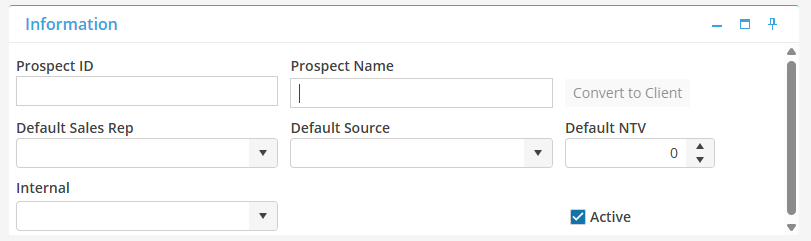
Select  to save the Prospect record.
to save the Prospect record. In the Contact card, click the Prospect Name to open the contact information.
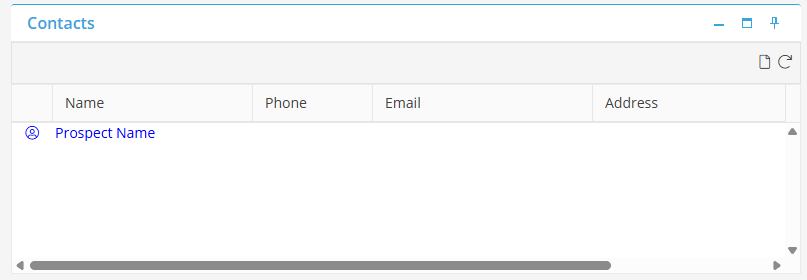
Enter the contact detail for the Prospect.
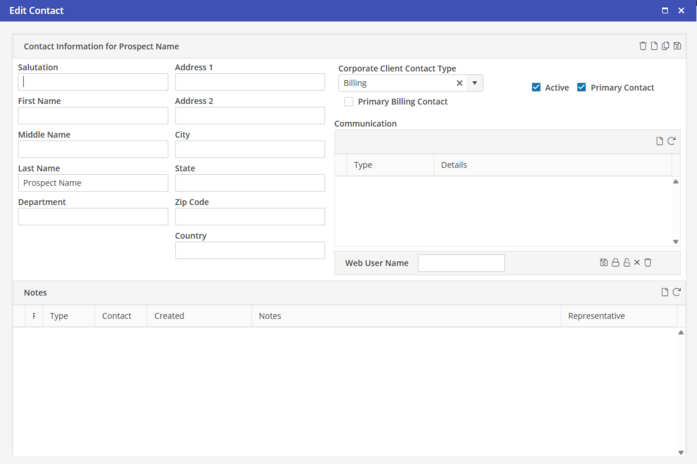
If required, click to enter Contact Communication.
to enter Contact Communication. Select  to save the Prospect Contact detail.
to save the Prospect Contact detail.