Auditing Owner Posting Prior to Paying the Owners
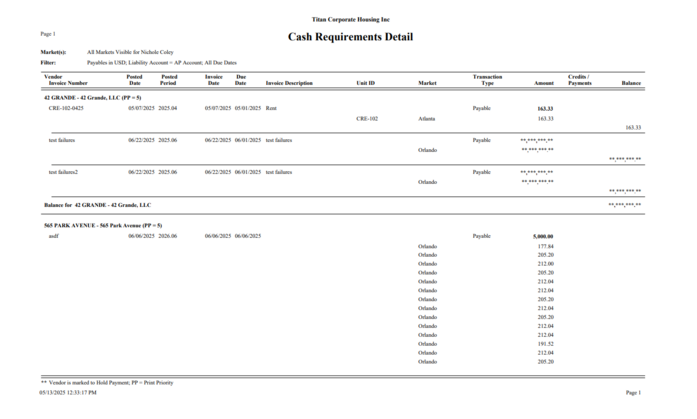
View or print the Cash Requirements Report located under Accounts Payable > Reporting > Cash Requirements by selecting the owner liability account.
Run by all Vendors or select an individual Owners.
All Owner activity will be listed on the report. This includes Rent, Fees and bills paid on the Owners behalf as well as payments made to the Owners.
Pay the Owner Vendors –
Select the Owner Liability Account
Select Vendor Pay via – choose method or choose the “Pay By” option from Posting Details
To pay a specific vendor, use the vendor search option and retrieve into the screen.

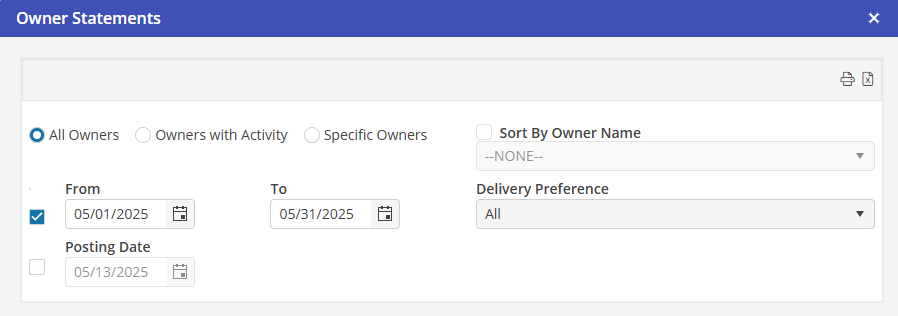
Owner Statements –
Access the Owner Statements from Accounts Payable > Owner Statements
Select the desired filter options and Preview/Print or Export to Excel.