Create Service Charge Tax Profile
Create a Tax Profile called Service Charge and save the Tax Profile. Make sure that the Service Charge Type Profile is NOT set to Cash Based. As this would cause the fee revenue to post to the revenue account upon payment of the invoice.
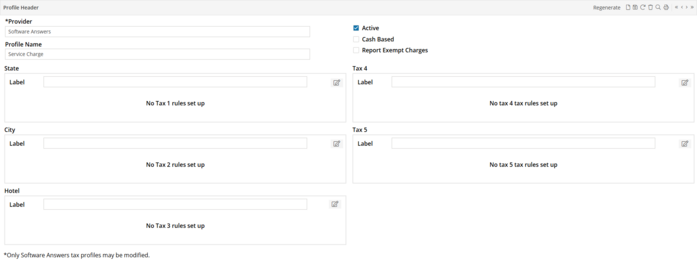
Click  on the Service Charge Rule.
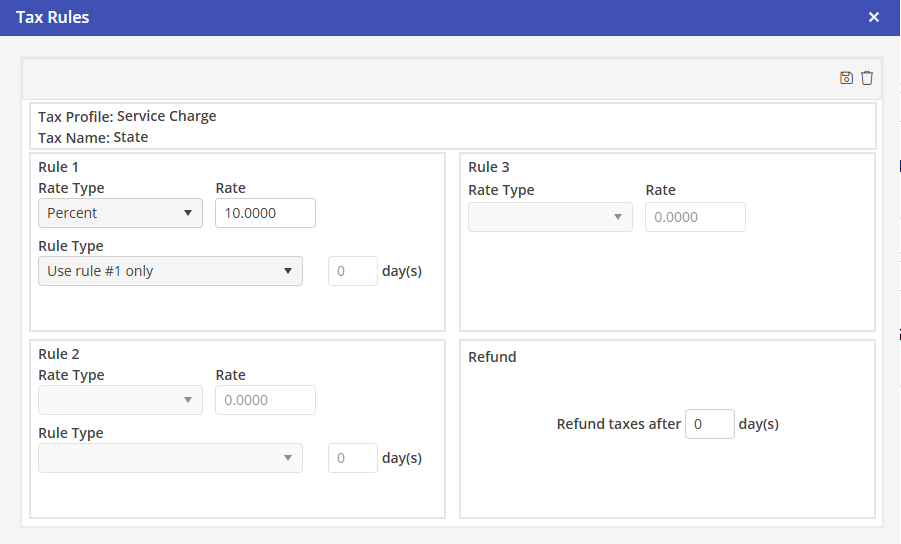
on the Service Charge Rule.a. Rate Type = Percentage.
b. Rate = Your percentage for the charge.
c. Rule Type = Use rule #1 only.
d. Save the Tax Rule by clicking  .
.
.