
Creating a Sourcing Option
Sourcing Options are maintained through the lead and are retained for the life of the reservation record.
To add a Sourcing Option for a new Lead, click on Sourcing Options across the top of the Lead screen.
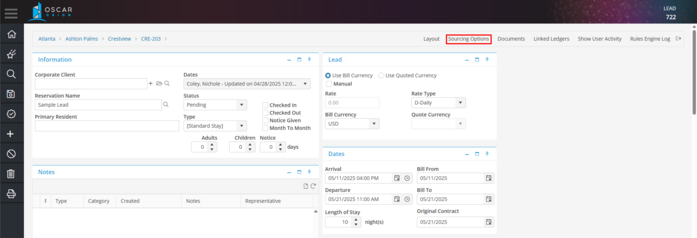
This will open the Sourcing Options for the Lead which it was opened.
There is only one single Sourcing Option available per Lead. If your Lead decides that none of the options presented meet their criteria, you will need to Deny the Lead. This will save the Lead and the Sourcing Options associated with the Lead. Create a new Lead by copying the Denied Lead, and use this new Lead for re-quoting the Lead.
All Sourcing Options are saved to the Lead or Reservation record. The Sourcing Options may be accessed at anytime in the life of the Lead or Reservation record, even after the Reservation has checked out.