Daily to Nightly Prorate Change
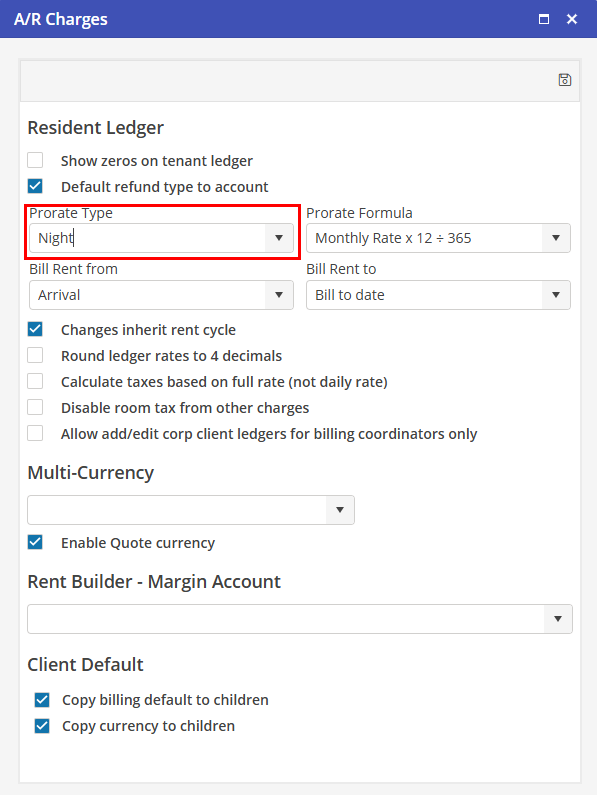
The following procedure must be used when changing the Resident Ledger Prorate Type setting from Daily to nightly. This will eliminate the need for changing the “Bill To” date on Reservations to a day before the Reservation Departure Date.
In Program Settings > Financial > A/R Charges, change the Resident Ledger Prorate Type to “Night”. Choose  to save the record.
to save the record.