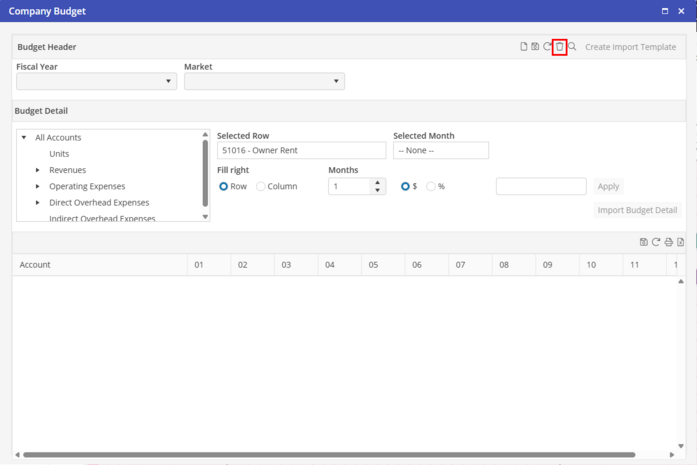
Delete
To delete a Budget Header, search for the Budget Header. Once the Budget Header is shown, click  .
.
.A Budget Header must be created for each Company Budget that will be entered. If the same Company Budget will be used for multiple Markets, enter the Budget Detail for the first Budget Header. With the populated Company Budget open, click  to create a new Budget Header. The user will be prompted “Copy budget detail from current budget to new budget?”. If “Yes” is selected, the newly created Budget Header will contain the same Budget Detail as the original Company Budget.
to create a new Budget Header. The user will be prompted “Copy budget detail from current budget to new budget?”. If “Yes” is selected, the newly created Budget Header will contain the same Budget Detail as the original Company Budget.