
Delete a Reconciliation in Progress
The header may be edited at any time during the reconciliation by clicking into the field and making changes.
To delete the header and reconciliation, select  . If any credits or debits are cleared (selected) on the reconciliation, these will be unpopulated.
. If any credits or debits are cleared (selected) on the reconciliation, these will be unpopulated.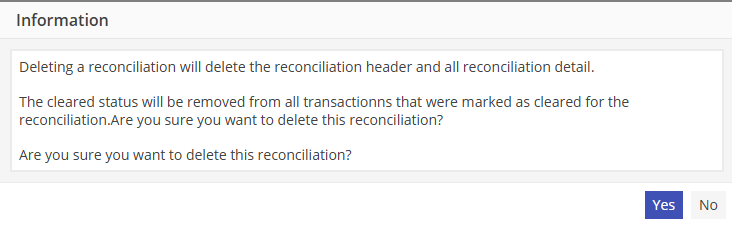
Select  to proceed with the deletion.
to proceed with the deletion.After deleting a bank reconciliation, Bank Charges and Bank Interest that was posted using the Reconciliation Header will appear as Journal Entries on the respective side.
Journal Entries that remain as a result of deleting a Bank Reconciliation are able to be edited as any Journal Entry would be.
From the Journal Entry screen, either edit the amounts for the Bank Charges or Interest, or delete the Journal Entry to remove it from the reconciliation.