
Documents
Click  in the top right of the Prospect record to open the Prospect/Corporate Client documents list.
in the top right of the Prospect record to open the Prospect/Corporate Client documents list.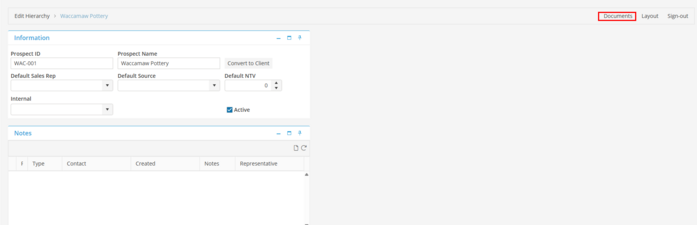
Select a Document or select multiple Documents by choosing Ctrl + selecting Documents required. Documents may be Opened, Emailed using the default Email settings for current User, Printed or converted to PDF.