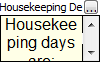
Edit a Rich Text Custom Field
Choose  to edit the Reservation/Unit/Property/Market where the field resides.
to edit the Reservation/Unit/Property/Market where the field resides.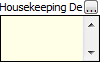
Next, choose  and select Edit from the menu.
and select Edit from the menu.
The Text Editor screen will open.
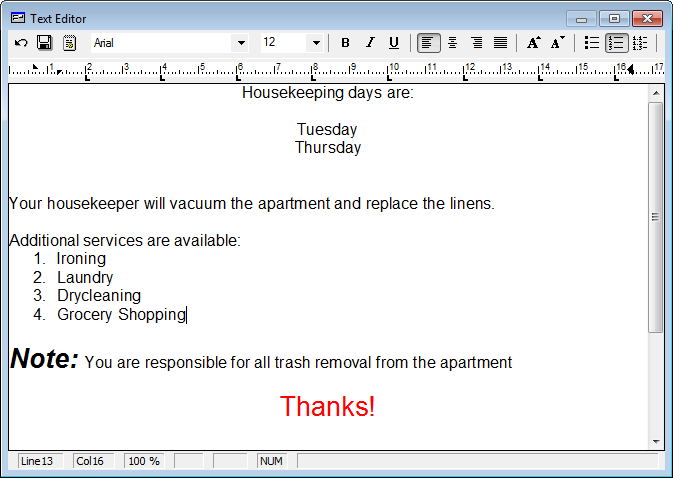
Characters and formatting typed in the Custom Field will merge into documents in the same format as displayed on the screen.
After editing the Custom Field, choose  to save the changes.
to save the changes.