Enable Multiple Rent Rates
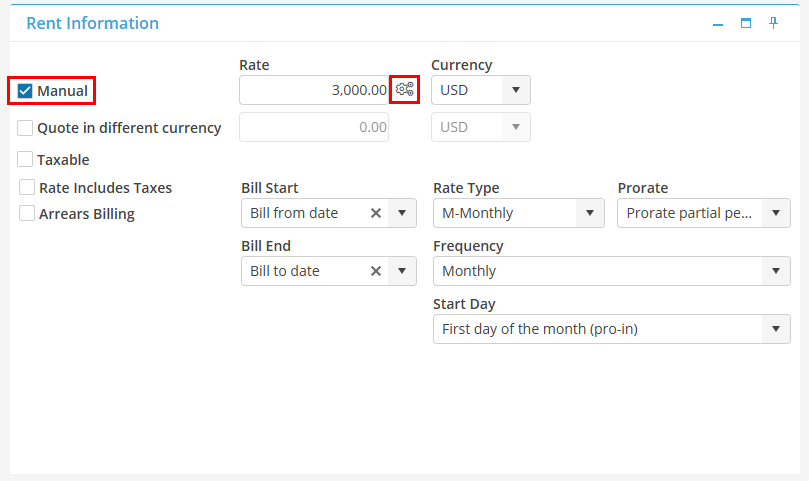
To enable the Multiple Rent Rates screen, the Manual check box must be populated in the Tenant Record, Rent Information Card. Next to the Rate box, select the Multiple Rent Rates icon  .
.
. 
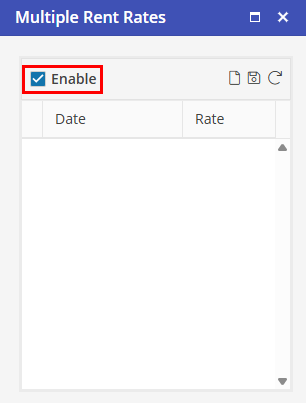
At the top of the Multiple Rent Rates screen, populate  .
.
.
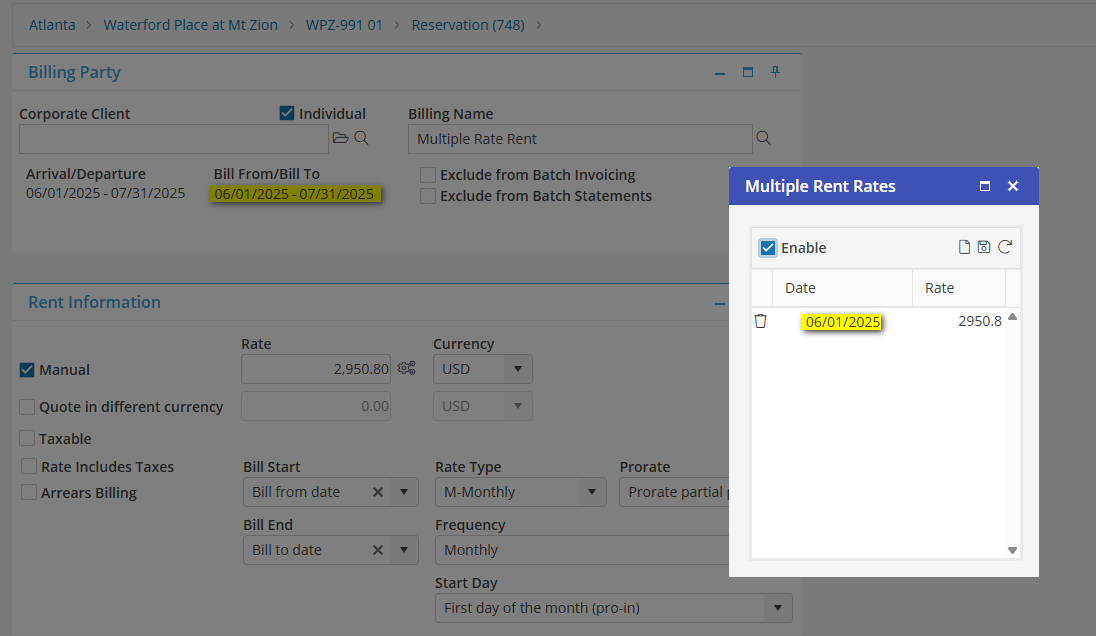
The first line will auto populate with the Reservation Bill From date, and the Rate that was previously entered on the Resident’s Ledger. If no additional Rates are added, the Rate will remain until the Bill To date on the Reservation.