
General Ledger Liability Account
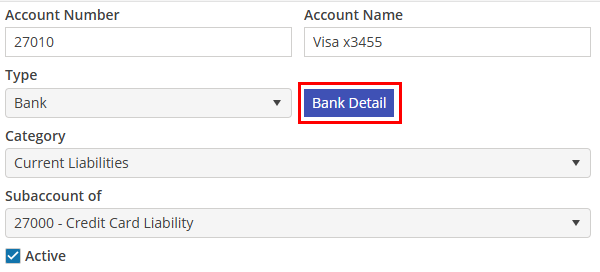
Upon initial setup, create a General Ledger Liability Account for each Credit Card that the Company uses. Add the last four digits of the Card to the Account name for easy identification. Select Bank in the Type and Current Liabilities in the Category.
After the account has been saved, click "Bank Detail" to add the details of the account.
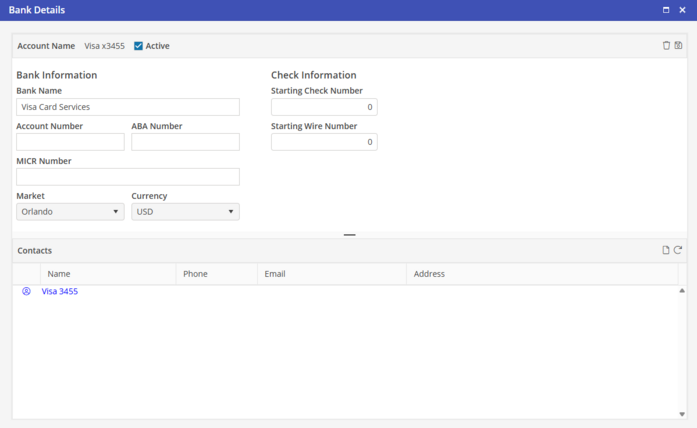
Fill in the credit card company detail in the Bank Name field and choose a Market to associate with the card. The card may be used in any market, this will be the default when this card is selected.
Choose  to save the record.
to save the record.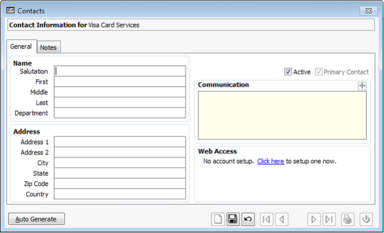
In the Contact section, a default contact has been automatically added based on the information entered to this point. Click the Name to open the Edit Contact screen.
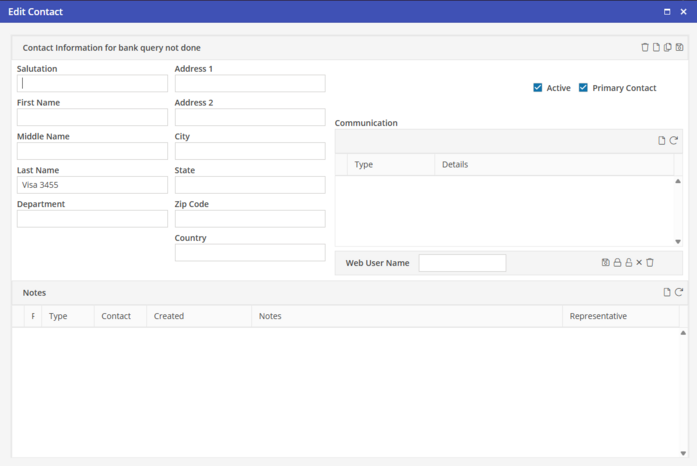
Enter in the details for the Contact, and select to save the Contact.
to save the Contact.