Import Template
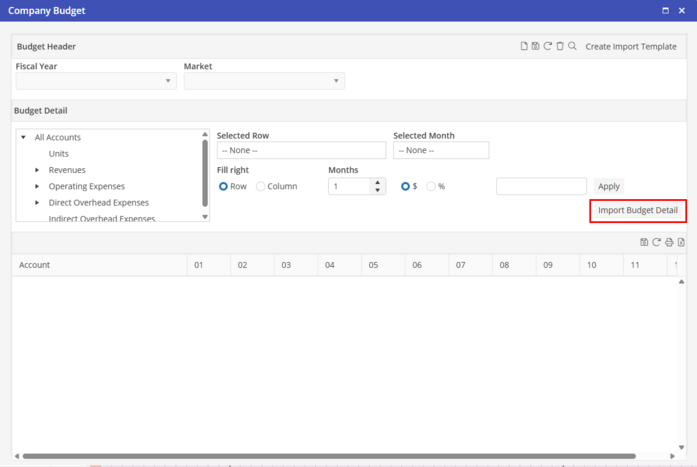
After the Excel import template has been completed, either create a new Budget Header or search for an existing Company Budget.
Click  to edit the Budget Detail. Click
  to import the Excel BUDGET-TEMPLATE. Select the Excel import template from the location where it was saved.
to edit the Budget Detail. Click to import the Excel BUDGET-TEMPLATE. Select the Excel import template from the location where it was saved. The Budget Detail will now load into the screen. Edit Company Budget Detail lines if needed.
If an account number is included on the BUDGET-TEMPLATE that is not in the Oscar Enterprise database, the account number and detail will not be imported.