Order Stop Service
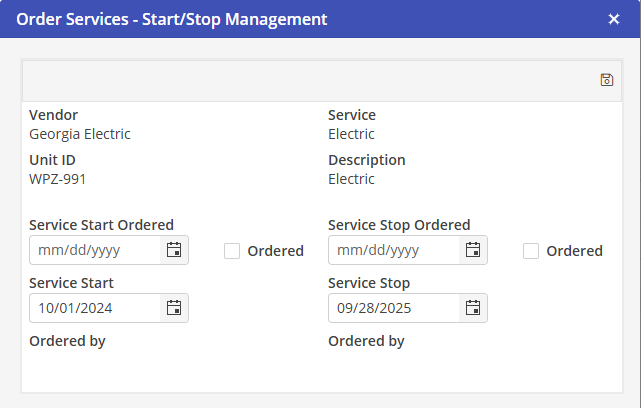
Select the Service Start Ordered date and populate the Ordered indicator. Alternatively, populating the Service Start Ordered checkbox will auto populate the Service Ordered date.
If the Ordered indicator is not populated, manually entered dates will not save.
To save, click the  icon, and window will automatically close out.
icon, and window will automatically close out.