
Payments
Payments may be made from the Tenant Ledger > Invoices > Payments or from the A/R > Payments.
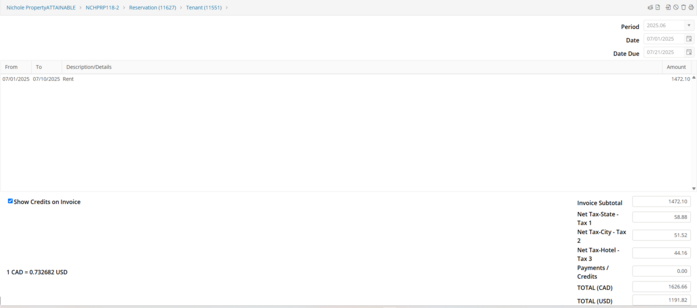
Once the Payment Screen is open, the currency in which the invoice was posted will be listed in the lower right hand corner of the payment screen along with the current exchange rate in the lower left. Post the payment in the standard way.
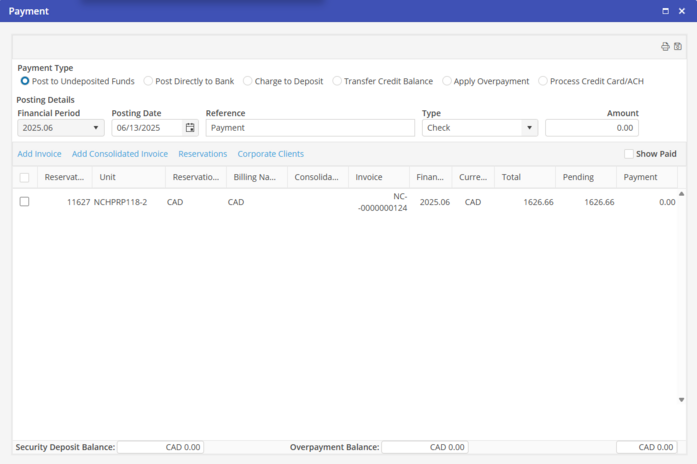
Any difference in the current exchange rate and the rate at which the invoice was posted will post to the Gains/Losses account at the time of payment.