
Post Checks
In the Check Processing screen, select ALL Markets and one of the Expense Allocation Vendors. Separate Vendors were created for the ability to select one Vendor and then “Select All” payables for Check Processing.
Chose the option “Select All” to select all the Payables for Check Processing
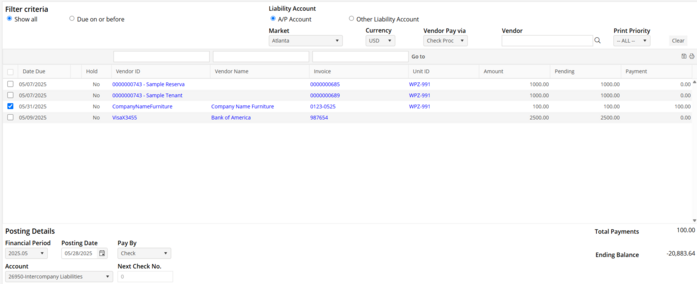
Select the associated Intercompany Liability account for the “Check” transaction. Post the transaction “Pay By Check”. After posting, print the check to a PDF file.
At this point, the expense has been recognized for the associated Units, and a liability remains in the Intercompany Liability account. This liability may remain, or, it may be removed with a Journal Entry.