
Property
Property Code Generation : The Property Code will generate from the Property Name entered, using the algorithms on the last page, to create a unique six character code.
If there are not enough characters in the Property Name, zeros will be added to the end of the Property Code to meet the six character requirement.
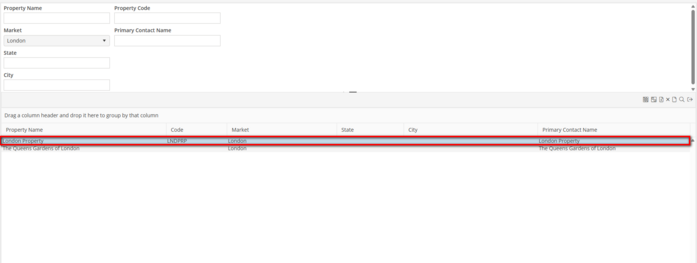
Property Code Search : The Property Code will show in a separate column on the Property Search screen.
Users may also search by the Property Code.
Unit ID Generation
When Auto Generate Unit ID is enabled for the Market, the Unit ID field will be disabled. To edit the Unit ID, update the Building Number or Apartment Number on the Unit record.
Upon saving the Unit, the Unit ID will generate. If the same Building Number and Apartment Number have been entered in another Unit, the User will receive an error stating that the Unit ID is a duplicate. The User must update the Building Number and Apartment Number accordingly.
If the Building Number and Apartment Number contain more characters than were specified in the Market setting, the User will not be able to save the unit. Update these fields to contain the exact, or fewer, number of characters.
If the Building Number or Apartment Number contain less than the maximum length set in the Unit record, leading zeros will be added to the beginning of these fields . This will maintain ordering on the Schedule Board.