
Setting up the Unit Indicators
When a POWO unit is shown on the schedule board, it will be displayed in a different color. To change this color, choose program settings and select indicators under units. To change the colors for any of the unit indicators, click on the color wheel circle next to the “UNIT CODE” box, after clicking Edit.
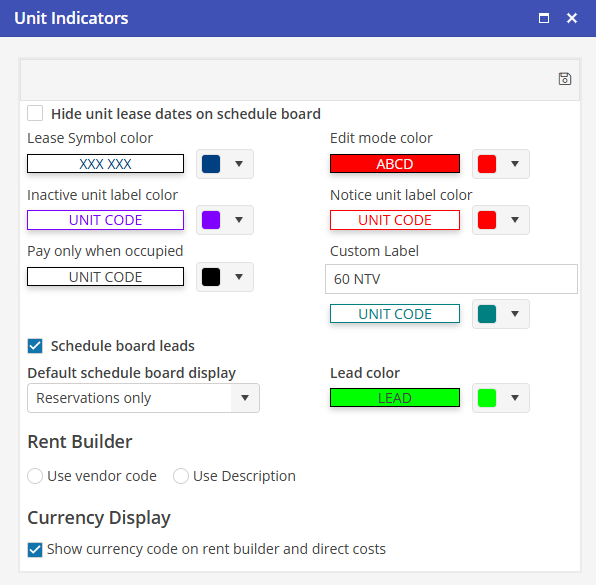
Unit Indicator Hierarchy:
· Notice overrides all other indicators
· 3rd Party overrides POWO
* Color display only
The functions for POWO are enabled as long as the POWO indicator is populated regardless if other indicators are populated as well.