Settings
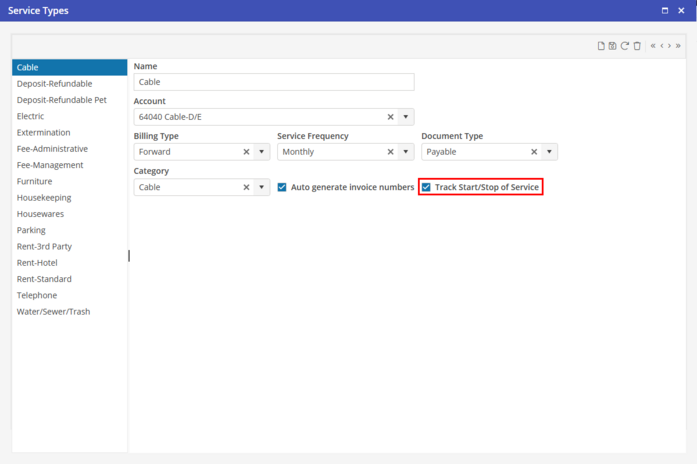
From Program Settings > Setup > Service Types, populate “Track Start/Stop of Service” to enable Start Stop Service for each Service Type. This enables the Start Stop Service to be accessible for Unit Direct Cost (UDC) lines from the Unit.
All Service Types that are already selected on UDC lines will auto update if Start Stop Service is selected for the Service Type.
If a Service Type that is selected on a Unit should not contain a Service Start or Stop this feature may be disabled for the individual UDC from the Direct Cost Setup screen on the Unit.