User Security
Enable the following Security as required based on the Security Profile. The security setting can be found under Settings > Rules Engine.
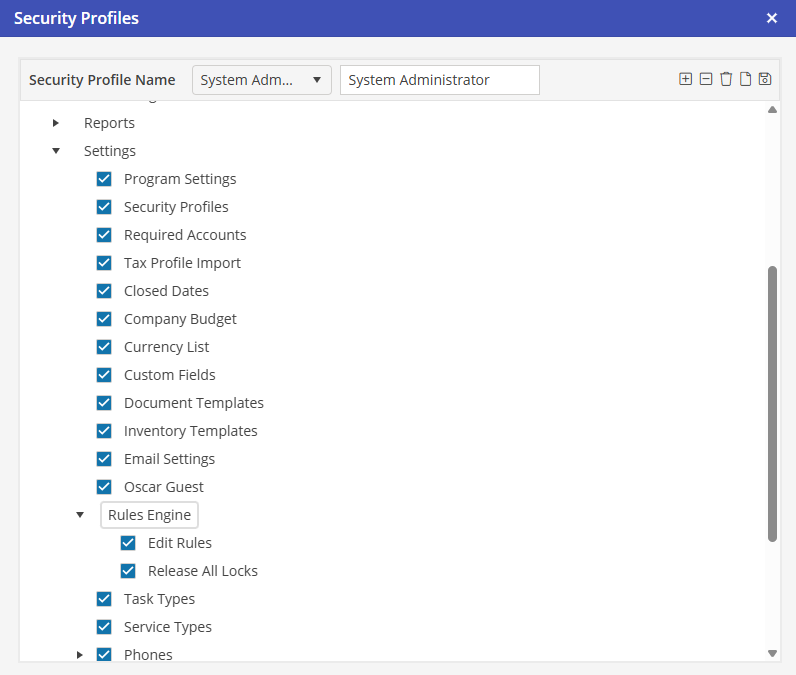
Edit Rules
To access the Complete Rules Engine application, this Security access must be granted. This gives access to the Addition/Editing/Deletion of Rules, Addition/Editing/Deletion of Email Templates, and Addition/Editing/Deletion of Email Profiles. Only Users performing any of these tasks would need access to this Security access.
All Users by default have access to the Rules Engine Action Queue. This screen shows the queued emails.
Release all Locks
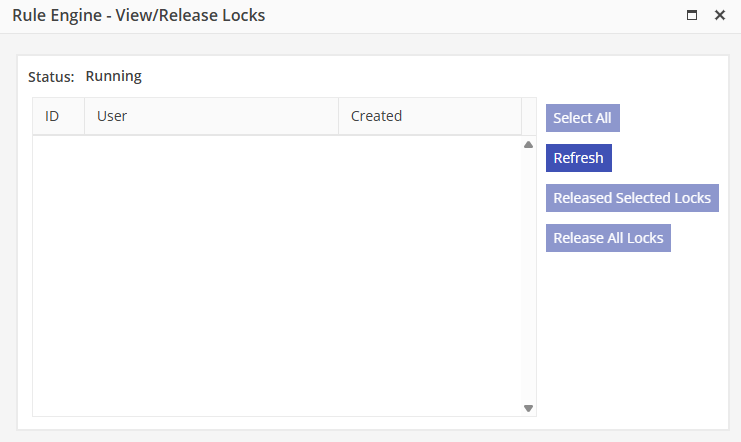
When Email Templates are being edited, the Rules Engine is paused. This is so that partially edited documents are not sent out of the system. Each User has access to release locks created by themselves after editing documents. To release all locks, including those created by other Users, this Security access must be granted.
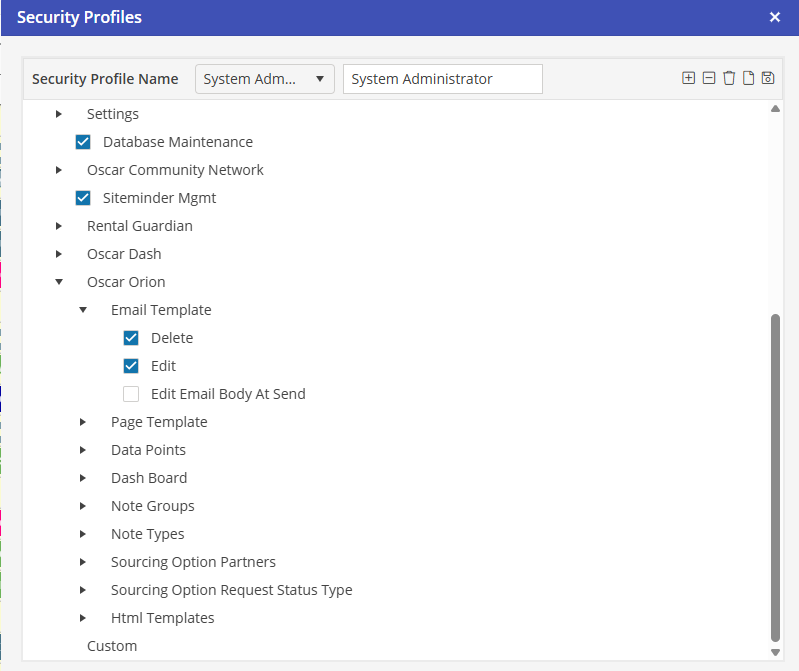
Settings > Security Profiles > Select Security Profile Name > Oscar Orion > Email Template > Delete/Edit