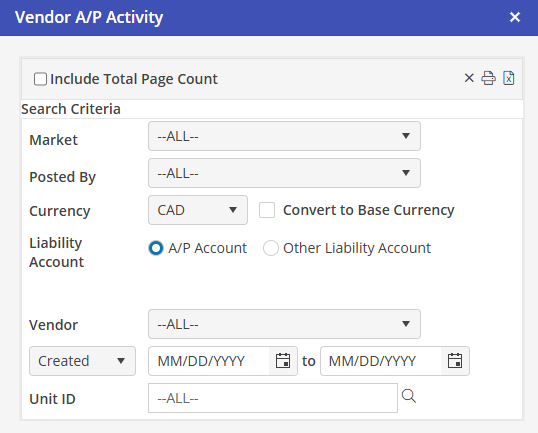
Vendor A/P Activity
The default Currency is the base currency of the database. On opening, only Vendors using the base currency will appear in the drop down. If a non-base currency is selected, the Vendor list will be updated to match the currency selected.
On opening, only Units using the base currency will appear in the drop down. If a non-base currency is selected, the Unit ID list will be updated to match the currency selected. Please see pg. 22 for selecting Unit currency.
When a non-base currency is selected, the option to "Convert to Base Currency" is displayed. When checked, the figures will be displayed in the base currency using the exchange rate at time of posting.