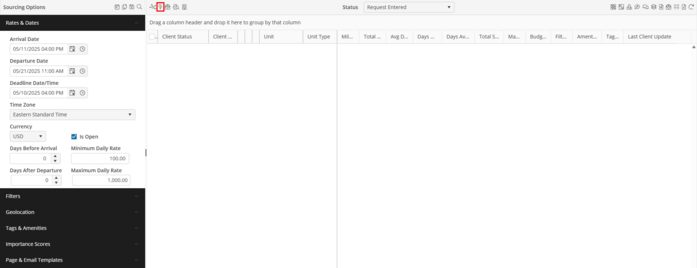
Actions
Select the desired available Units or Attainable Properties in the grid by populating the indicator, then click the Actions Action Button. Select from the following options below:
-
Reset – This will remove all actions from the selected Units/Attainable Properties
-
Client Viewable – This will include the selected Units/Attainable Properties on the Sourcing Option.
-
Client Denied – This will set the selected Units/Attainable Properties on the Sourcing Option as Client Denied.
-
Client Selected – This will set the selected Units/Attainable Properties on the Sourcing Option as Client Selected.