Add a User
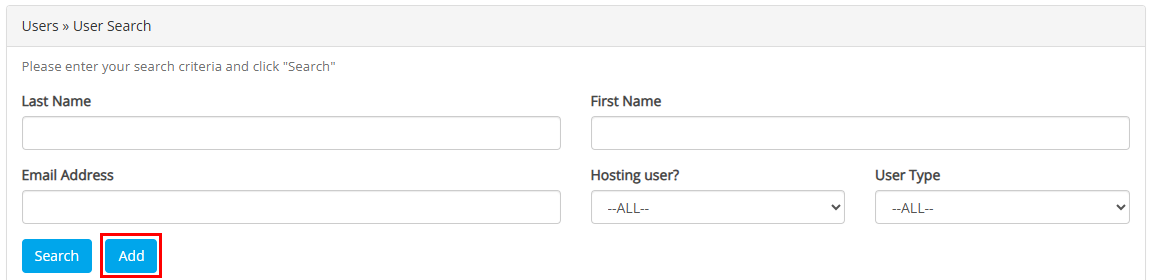
After selecting 'Manage Users' from the Account dropdown menu, the Users >> User Search menu will populate, and select 'Add'.
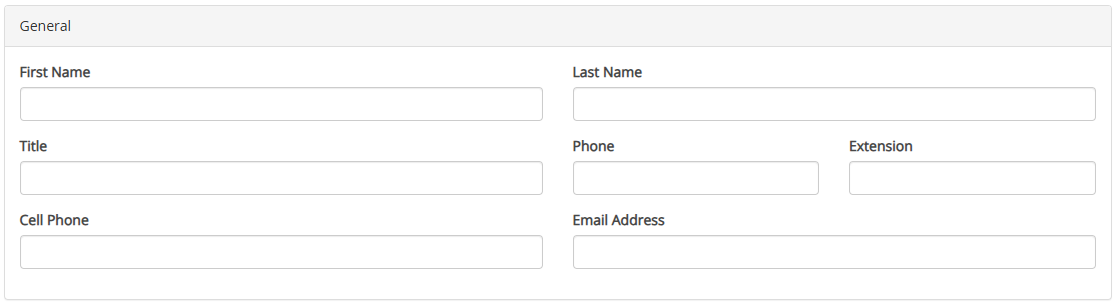
In the General Section, fill in the users information.
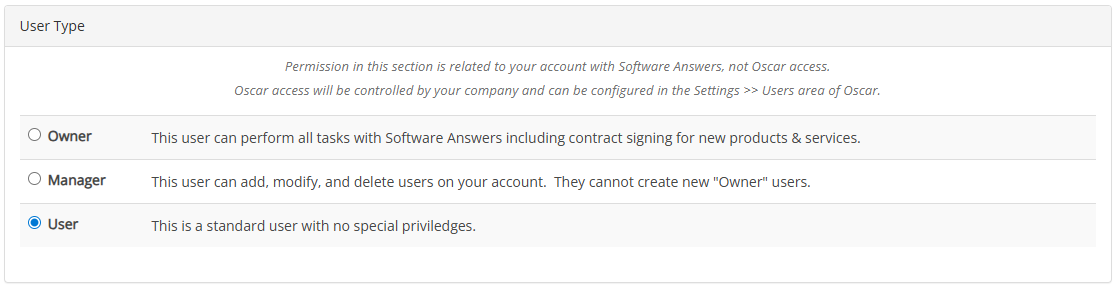
Select the User Type.
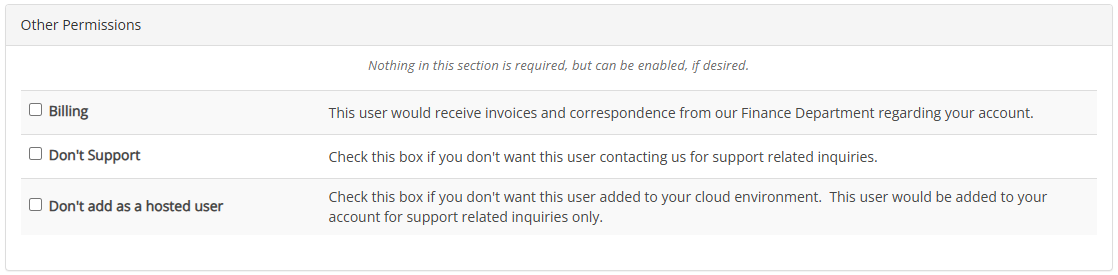
Next, select any other applicable Other Permissions.
Lastly, mark the consents in the Authorization & Signature tab.

Once all of the selections have been made, click the Submit button.
You will now receive an email confirmation.
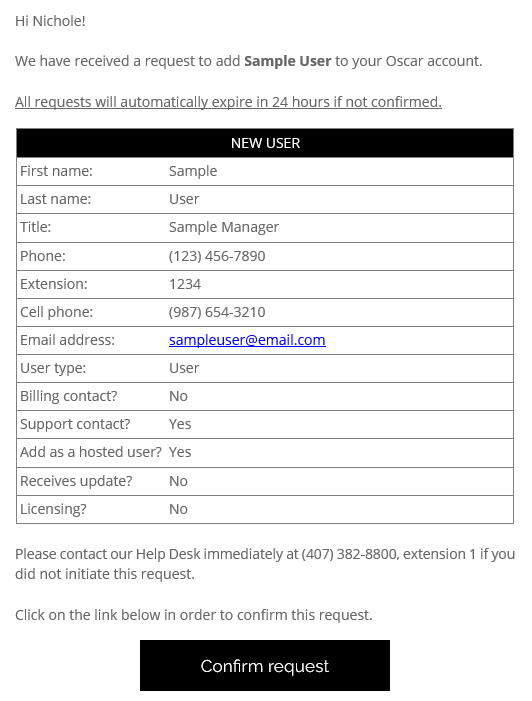
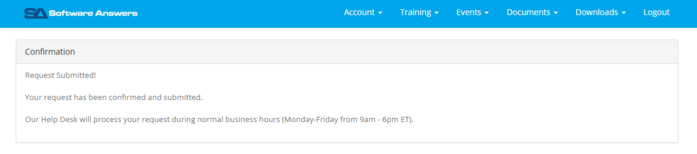
Click Confirm request. The system will now take you to softwareanswers.com and show your confirmation that the user has been submitted.