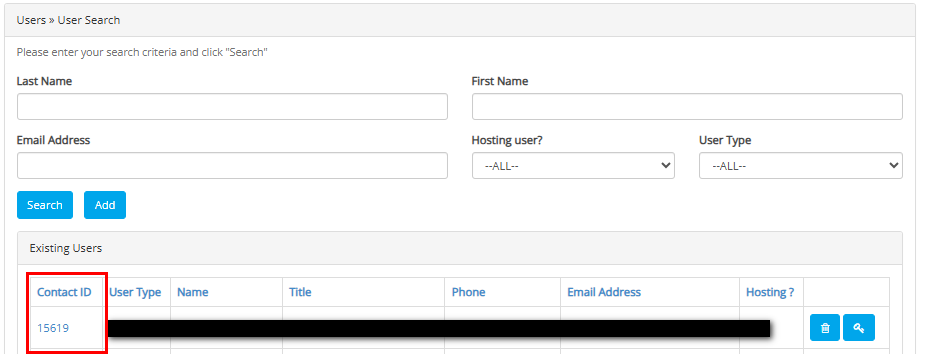
Edit a User To Edit a User, navigate to the Existing User List from Account > Manage User. Select the Contact ID from the Existing User List. This will open the User Record. Make any necessary adjustments, and click on 'Submit' at the record.