
Remove a User
To Remove a User, navigate to the Existing User List from Account > Manage User. Select the Delete Icon in the line for the user you are wanting to delete.

Next, the User >>Delete menu will populate. Read and select the Authorizations & Signature options, and click Submit.
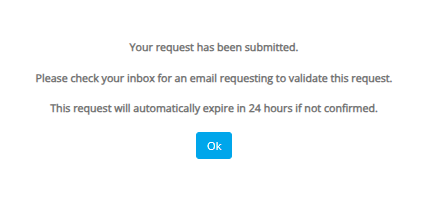
You will receive an email to confirm your request.
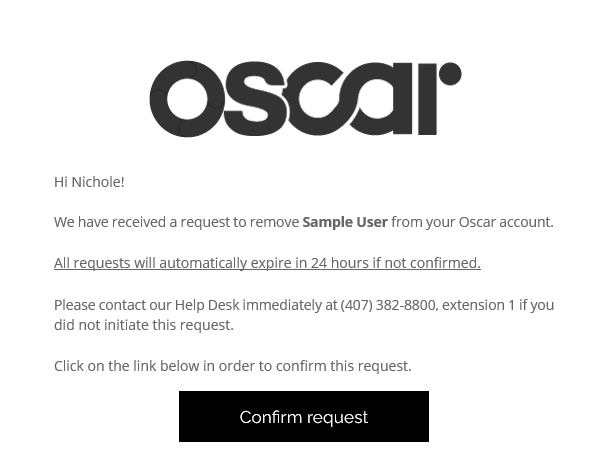
Once you have confirmed your request in the email, it will take you to softwareanswers.com where you can verify that the deletion has been successful. 