
Reset Password
To reset a password for a User, navigate to the Existing User List from Account > Manage User. Select the key Icon in the line for the user.

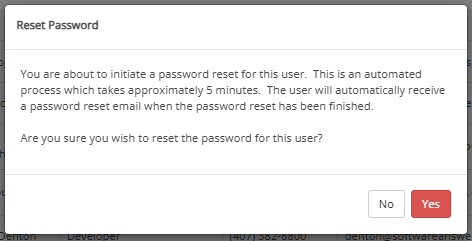
The system will display a verification that you are wanting to Reset a Password for this user. Select 'Yes'.
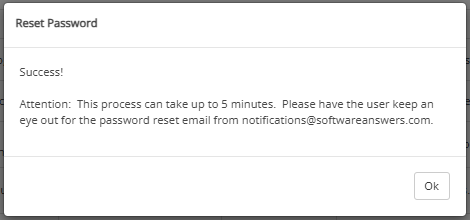
After verifying that you would like to Reset a Password for this user, the system will display the following message.
The user will then receive an email showing their username and a Temporary Password.
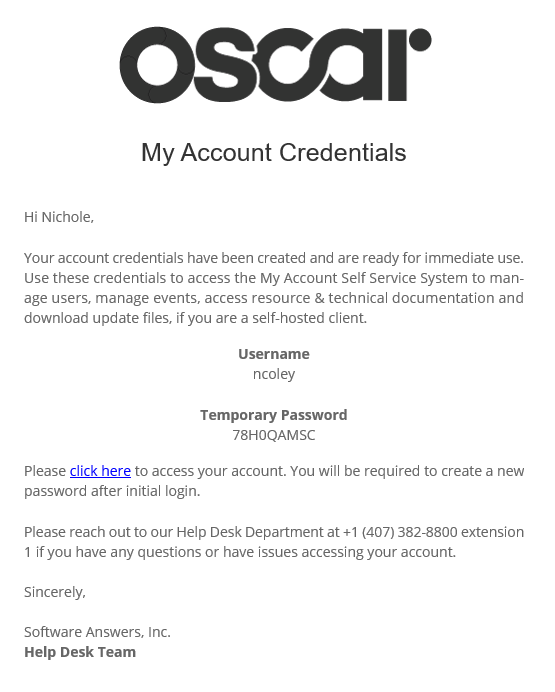
The user will then log in using this information, and will be prompted to reset their password to a password of their choice.