Submit a Ticket Online
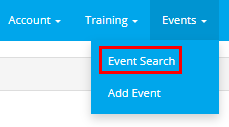
From the main menu, navigate to Events > Add Event.
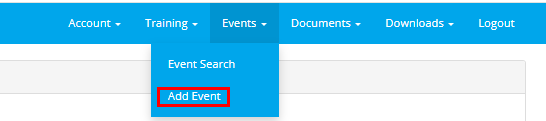
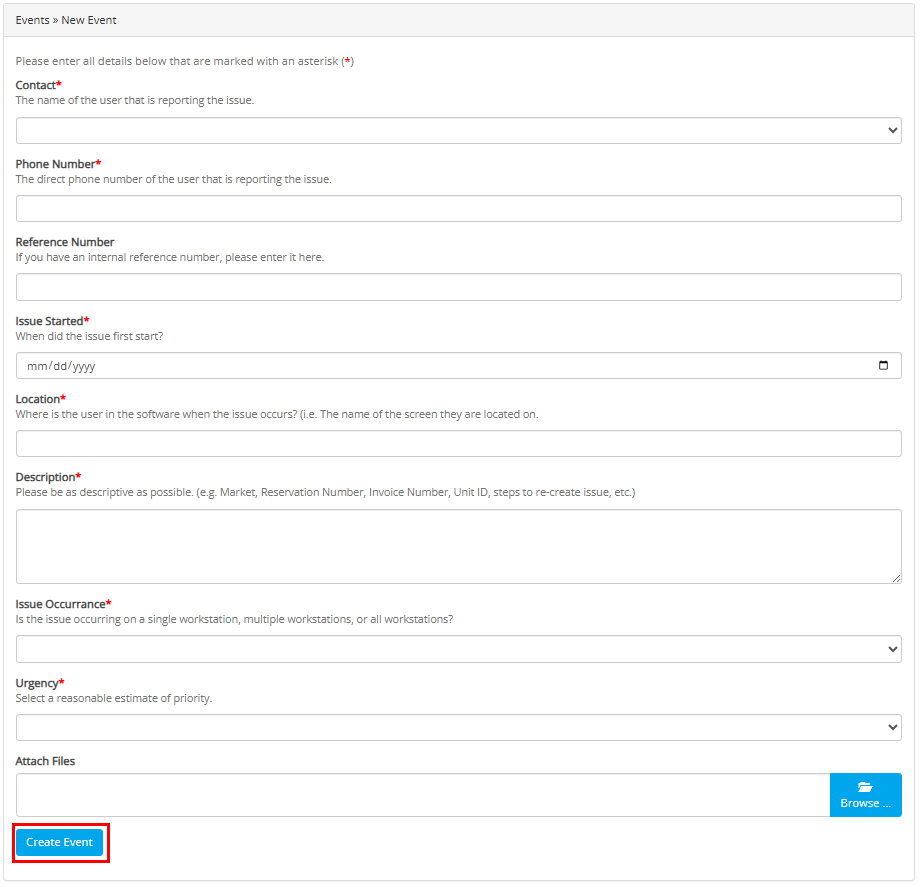
Selecting 'Add Event' will populate a New Event form. Fill in the fields, and click on 'Create Event' at the bottom.
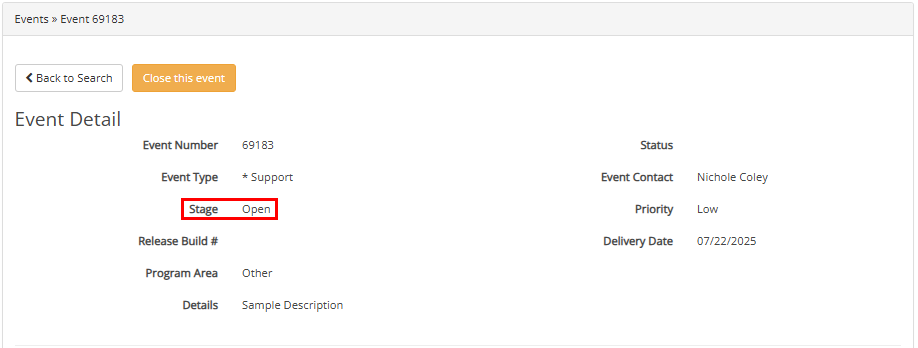
Once you have created the event, it will be assigned an event number. An email will also be received giving the details of the event you have entered.
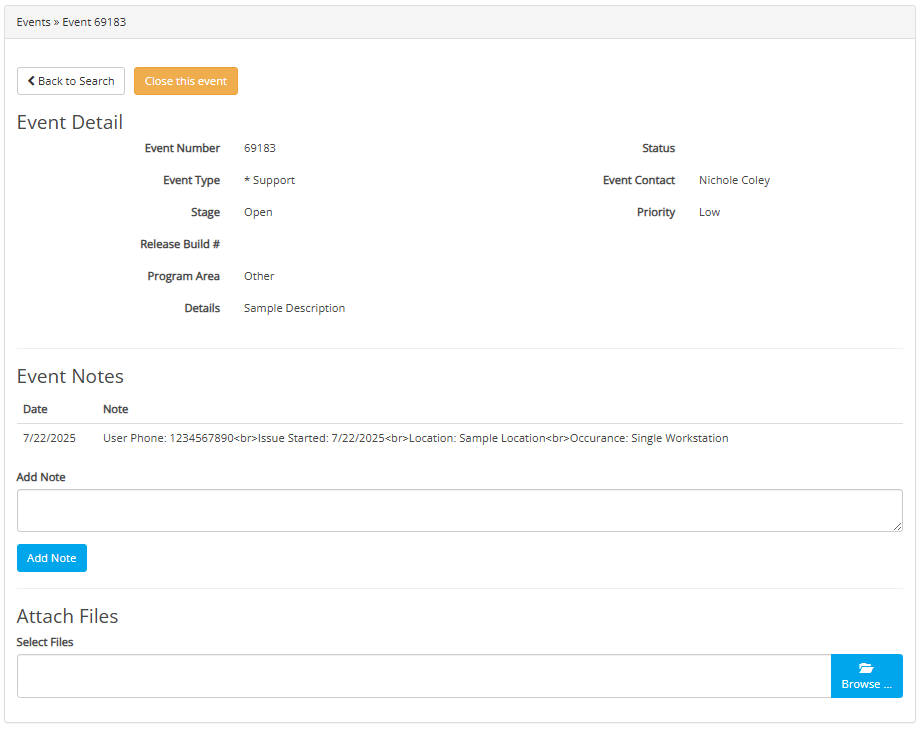
You can follow up on this ticket by using the event number assigned when it was created. Navigate to the main menu, select Events > Event Search.
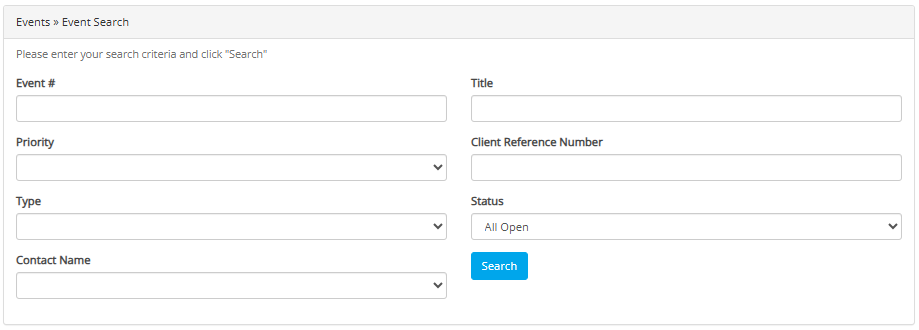
From the Event Search screen, enter in the event number, and click search.
The details of the event will now show. You can monitor the status of the event from submission to completion.