
Add Corporate Client Visibility without Document Visibility Enabled
With the completed Document populated, select the Corporate Client tab, then click  to open up the Corporate Client search screen.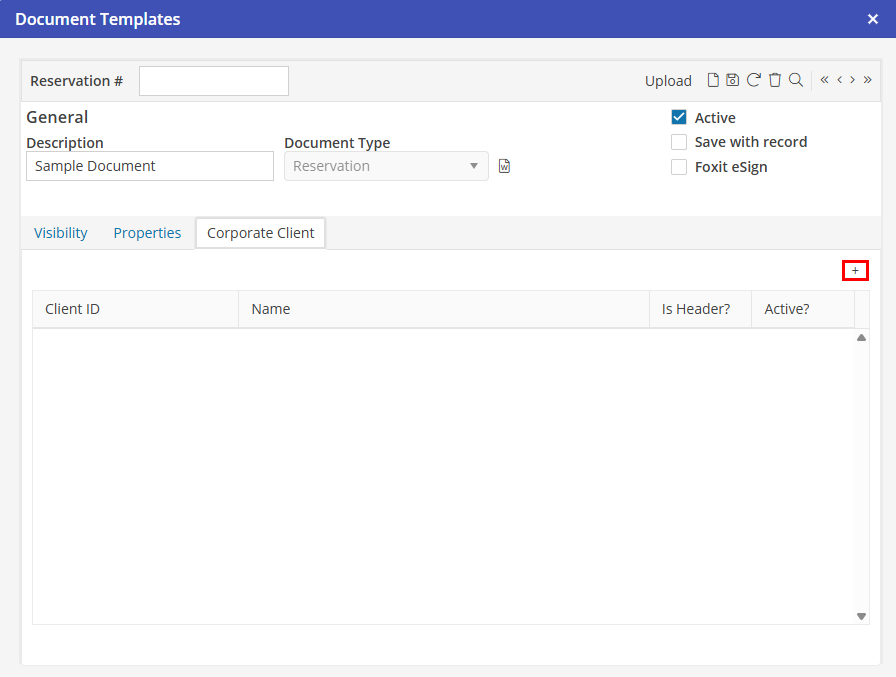
to open up the Corporate Client search screen. Double click on the Corporate Client that should be associated with the Document Template. An information popup will verify that you want to add this Corporate Client to the Document Template.
Choose  to confirm, now the Corporate Client is attached to the Document Template.
to confirm, now the Corporate Client is attached to the Document Template.