
Adding Data to the Filters
To add data to a filter, select the filter from the left hand menu that you would like to add a filter option to.
Next, click on the  to add a new icon.
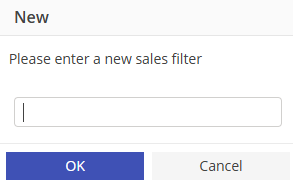
to add a new icon. Once the New List box appears type in the filter item and select "OK"
Continue adding list items to the filter as needed.
To add data to a different filter, select the filter from the tree.