
Set Sales Activity Types
Sales Activity Types are selected from the standard Task Types list. Before selecting Sales Activity Types, add the Activity Types to the Task Types list in Program Settings > Other Filters > Task Defaults.
Add an Activity Type
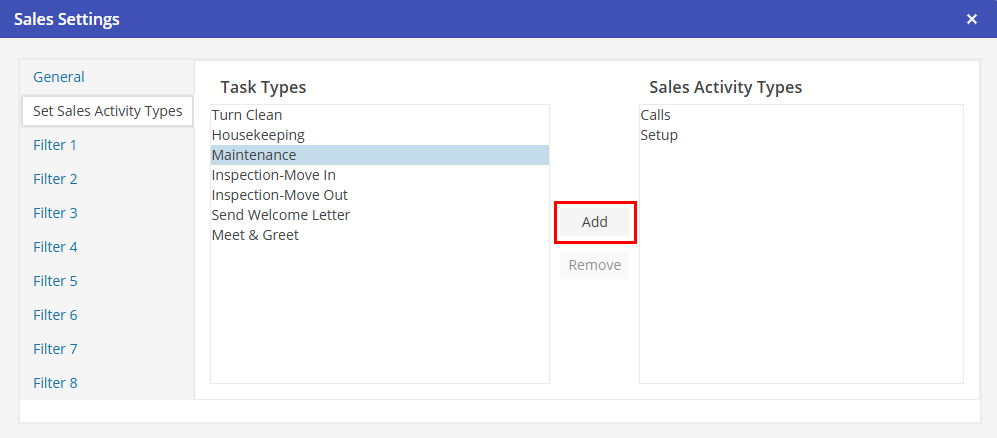
To select a Task Type as a Sales Activity Type, select a Task Type and select  .
.
. 
Remove an Activity Type
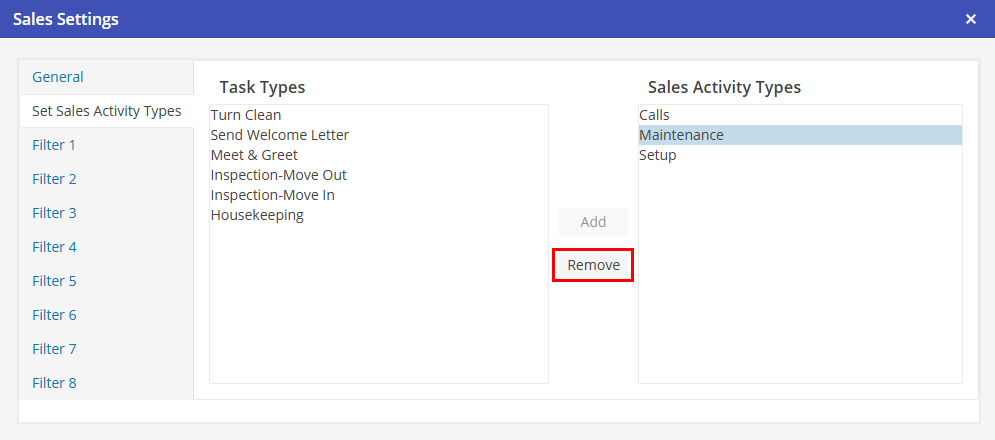
To un-select a Task Type as a Sales Activity Type, select the Sales Activity Type and choose  .
.
.
Task Types that have been added as Sales Activity Types will only be accessible when adding Activities for Prospects and Corporate Clients.