
Attach File
Reservations : To access Attached Files on Reservations, go to the Attached Files Card within the Reservation.
Units : To access Attached Files on Units, go to the Attached Files Card within the Unit.
Click  in the upper right hand of the Attached Files card to attach a file.
in the upper right hand of the Attached Files card to attach a file.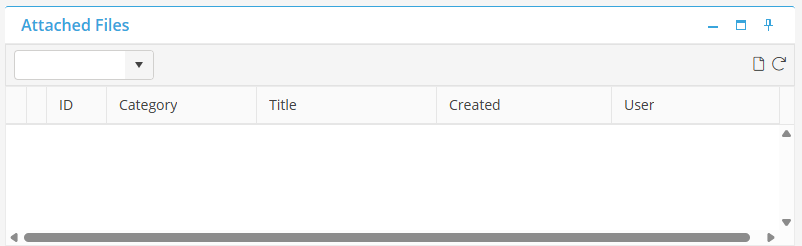
Category : Select a Document Category to associate with this document. Or, leave the default option “—None—“.
Description : Type a title for the Attached Document.
File : Click  to select the File to attach.
to select the File to attach. The Attach File dialog box will now display the file detail. Click  to attach the document or
  to undo.
to attach the document or to undo.