
Delete a Document Category
To delete a Document Category, select the Document Category. Select  to delete.
to delete. 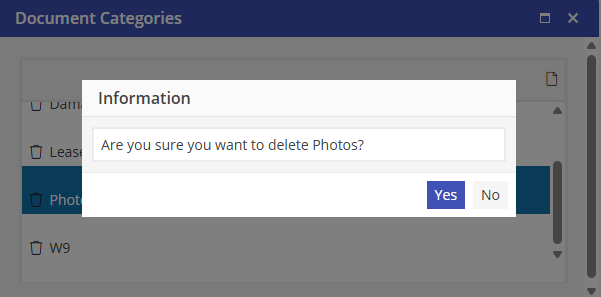
At the Confirm Delete prompt, choose  to delete or
  to maintain the Document Category.
to delete or to maintain the Document Category. Deleting a Document Category will not delete Attached Files that are associated with this Document Category. Instead, Attached Files that were once associated with this Document Category will have the “—None—“ Category designation.
Once Attached Files are disassociated with a Document Category, they cannot be re-associated with another Document Category.