
Canceling a Work Order
The Work Order may be Cancelled by editing the Work Order and selecting the Cancelled status from the Status list. Upon saving the record, the Work Order will be Cancelled.
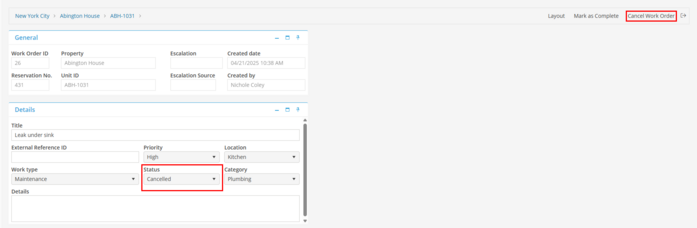
The Work order may be marked Cancelled by selecting the “Cancel Work Order” button in the top right hand corner of the Work Order screen. Using this option, the user will be prompted to enter a note. This will prompt an email to be sent to the Creator of the Work Order if “Send email notification to work order creator” is populated in Program Settings, to the Resident associated with the Work Order if the “Send email notification to resident” is populated on the Work Order and to all Work Order Assignee's.