
Commission Agents
Commission Agents are Vendors who have a Commission Vendor Type selected.
To create a new Commission Agent, click  on the Vendor screen.
on the Vendor screen.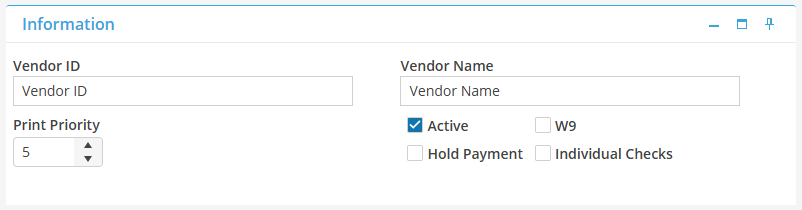
Enter the Commission Agent ID and the Commission Agent Name in the Information Card.
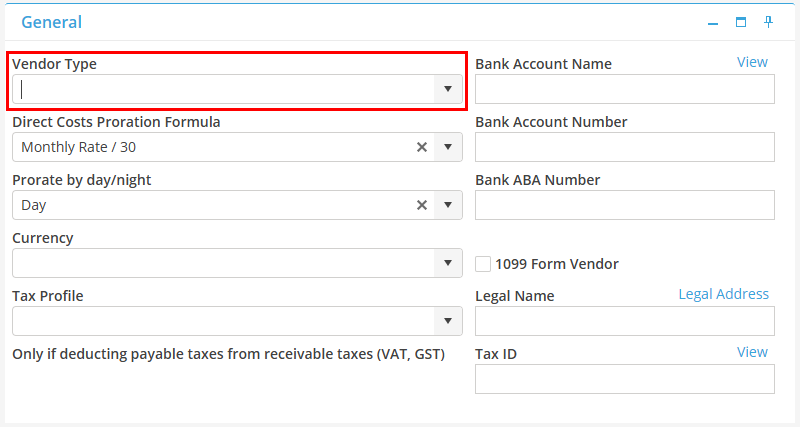
Select the Commission Agent Type from the General Card.
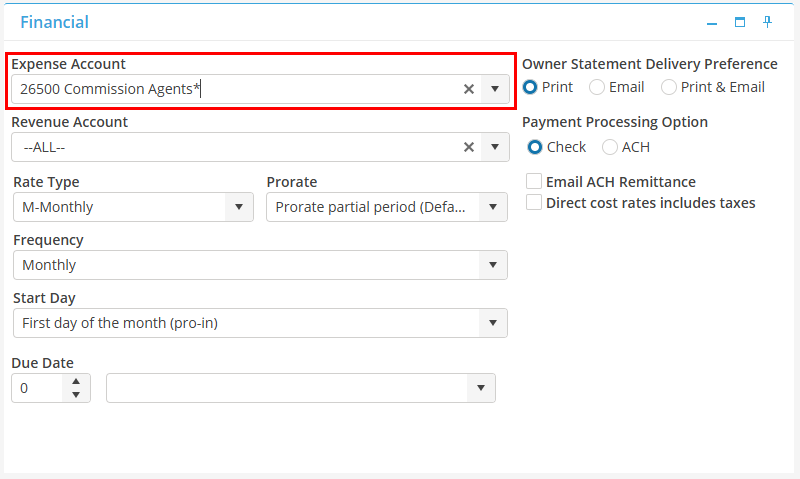
On the Financial tab, select the expense account that will be used when creating commission payables for this Commission Agent. An expense account must be selected if the Vendor is a Commission Agent.
Save the Commission Agent record by selecting save,  .
.
.In the Contact screen, enter the contact detail for the Commission Agent. Click to add a new contact.
to add a new contact. 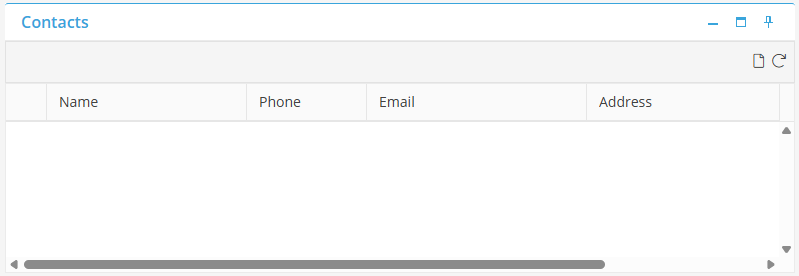
Select to save the Commission Agent Contact detail.
to save the Commission Agent Contact detail.