
Commit Transfer
This option will commit, or process, the Transfer. Before a Transfer may be committed, all Transfers preceding it must be committed.
Upon committing the Transfer, fields from the original Reservation will be checked for changes and updated accordingly in the Transfer. All credits and payment transfers will happen automatically at this point if required by the Transfer.
IF
If the option “Allow Transfer commitment before arrival date of Transfer Reservation” is selected in Program Settings, and the User commits a Transfer prior to the arrival date of the Transfer, the following message will be displayed;
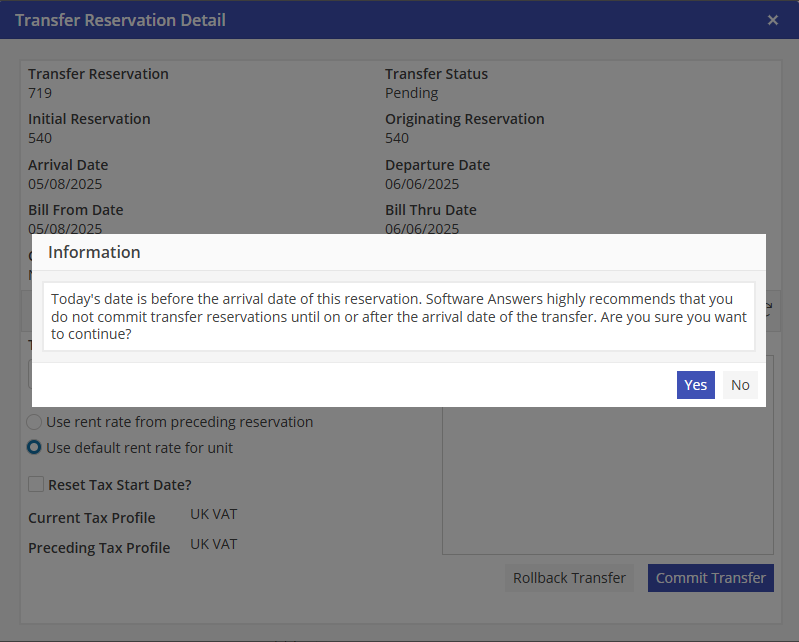
To continue and commit, select “Yes”. To cancel the commit, select “No’.
IF
If the Transfer contains multiple rent paying ledgers and the option “Use default rent rate for unit” is selected the User will receive the following message;
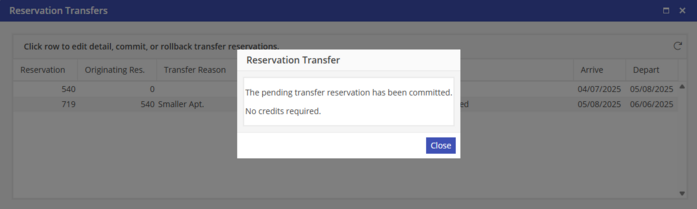
User should go to the ledgers and adjust accordingly. The only rent rate that will automatically populate is the first ledger.
IF
If the preceding Reservation is not checked in, the User cannot commit the Transfer. The User will receive the following error;
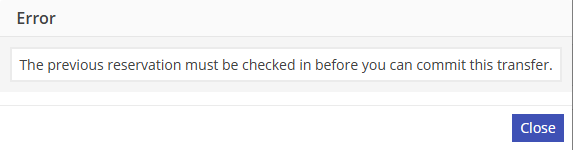
User should verify the status for the preceding Reservation, and adjust as necessary.
After the Reservation has been Committed, the User will receive the following message;
All Resident Ledger billing detail and is now available for viewing and editing. Review Tasks detail after commitment of the Transfer. Make changes where necessary.