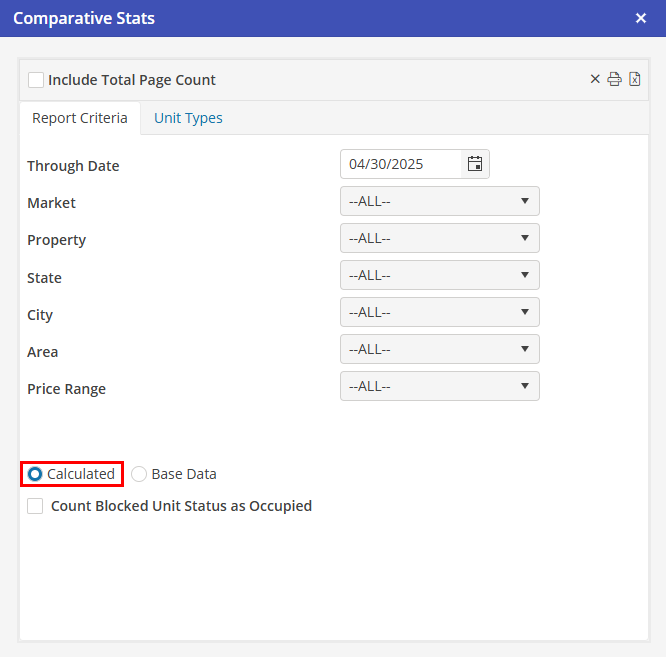
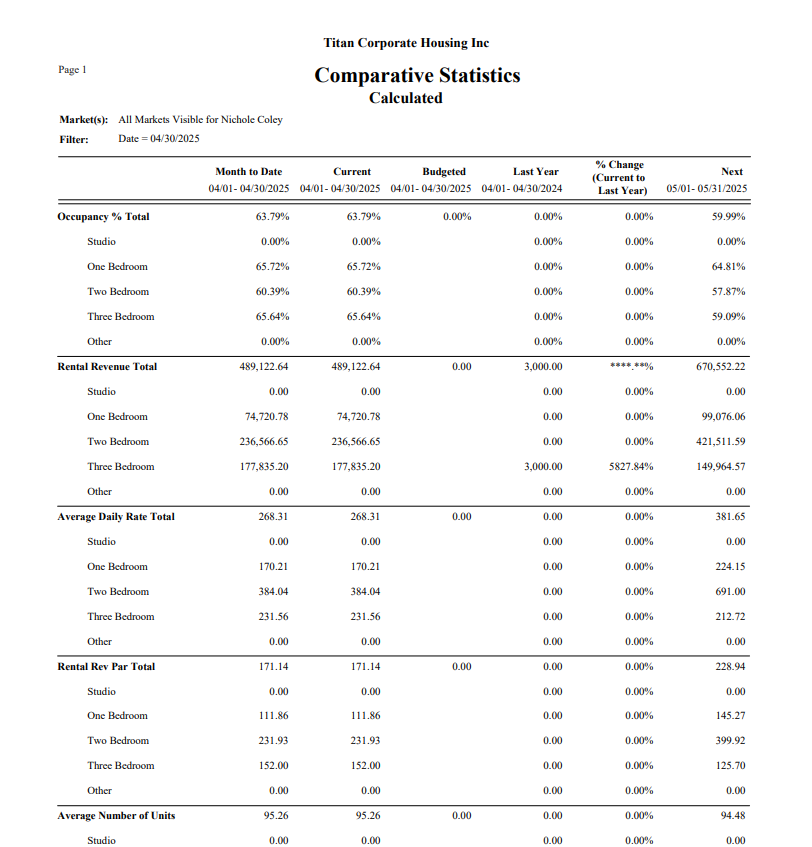
Comparative Stats Calculated Stats
This report contains the following data for each unit type (along with the total for all units types) for each date range, and the totals only for the month budget.
Occupancy %
Occupied Days / Unit Available Days
Rental Revenue
This is the same as in the Base Data Report (see above)
Average Daily Rate
Rental Revenues / Occupied Days
Rental Rev Par
Rental Revenues / Unit Available Days
Average Units
Unit Available Days / Number of Days in date range (rounded to a whole number of units)
% Change (Current to Last Year)
This is calculated for each of the above categories that contain data for the month for the previous year. The figure contained in this column is calculated as follows:
Current Month Figure – Last Year Month Figure
Last Year Month Figure
For example:
100 (current) – 75 (last year) = + 33% = % Change
75 (last year)
75 (current) – 100 (last year) = – 25% = % Change
100 (last year)