Data Points
The Data Points are shown on the Sourcing Options screen indicated by this icon. 
Within the grid, you can find them within the Data Points Column.

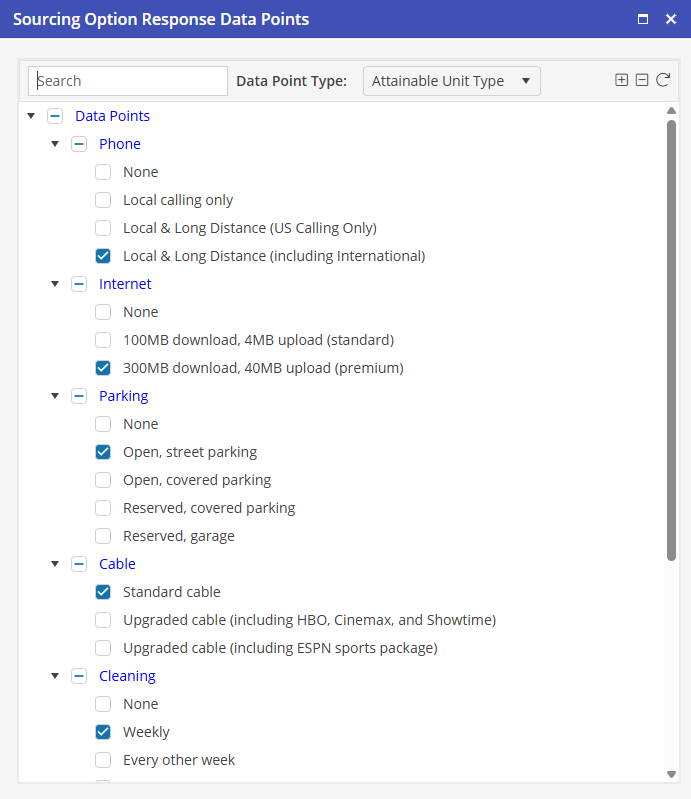
To access the Data Points for each property, click the Data Points icon and the Sourcing Options Response Data Points window will populate. Go through, and make any selections you would like to show in the email sent to clients to make their selection for properties.