Delete a Template Group
To delete a Template Group, right click on the Template Group and select “Delete”. the default Email Template Group “Email Template Groups” may not be deleted.
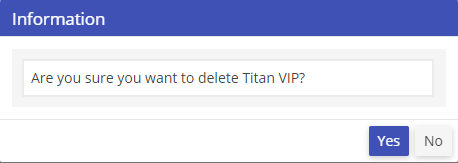
A prompt will appear asking “Are you sure you want to delete XXX?” Click yes to continue the deletion process. Click No to cancel the deletion process. All children of associated Template Group will be deleted.