
Execute Once
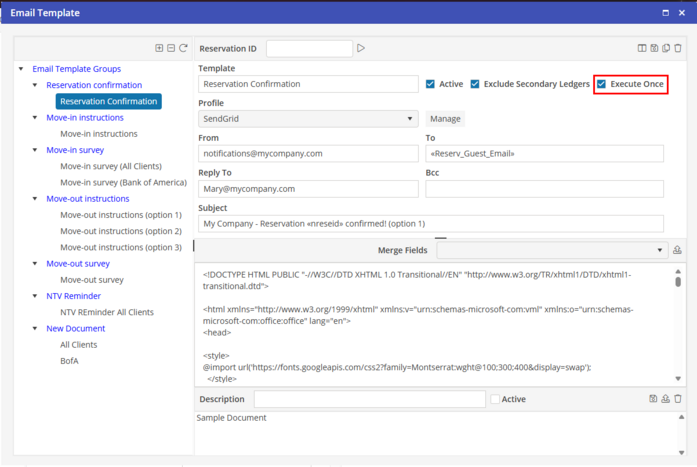
Within the Email template, you may select the template to be Executed Only once by checking the option.
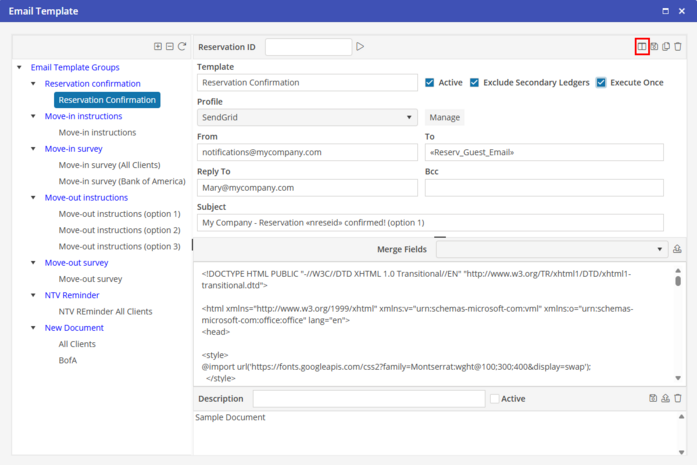
Next, select Monitor Fields icon in the top menu bar.
The Reservation Confirmation - Field Monitoring allows you to select specific fields to be monitored for the Email to be populated. By selecting the specific fields, if there are any changes to this specific field, the email will be sent again due to the change. If changes are made, and the field is not selected, the Email will not be sent again due to the selection for "Execute Once" being selected.
