
Action Queue
The Rules Engine Action Queue maintains all scheduled and sent email messages.
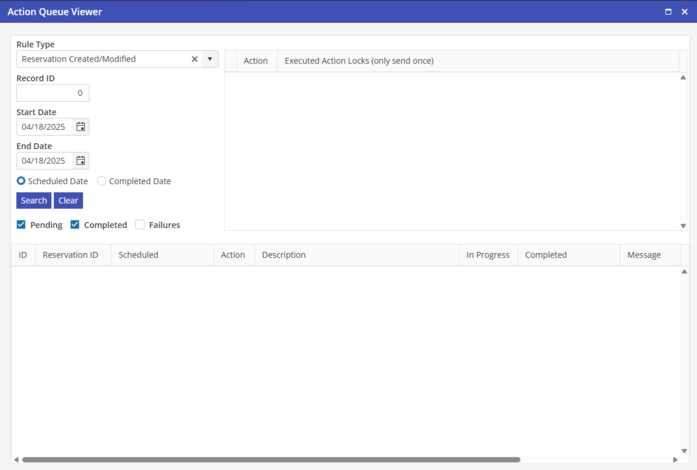
The Rules Engine Action Queue is accessible from the Settings > Rules Engine > Action Queue. If accessed from reservations, then the reservation will be auto-populated and the dates are not necessary. If accessed from settings, then the reservation field will be blank and the dates must be utilized. If a reservation is edited and an email is queued with a scheduled date prior to today, the application will automatically send these emails.
UN-populating the “Active” box will disable the associated email. If the Active box is re-populated and the scheduled date is prior to today, the application will automatically send these emails.