
Status - Locks
When an Email Template is being edited, the Rules Engine will automatically stop. This is done to prevent partially created or uncompleted emails from being sent.
To review the status of the Rules Engine, go to Settings > Rules Engine > Status.
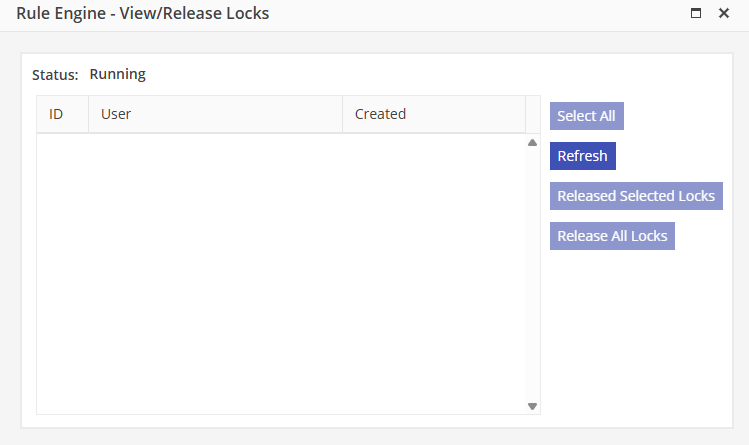
Users and processes locking the system will be listed in the grid. By default, Users my release their own locks. To release your own locks, populate the associated locks and select “Release Selected Locks”. This will release the selected locks. If a User is granted Release All Locks on their Security Profile, they may release locks by all Users. To release all locks, select “Release All Locks”.