Move Reservation
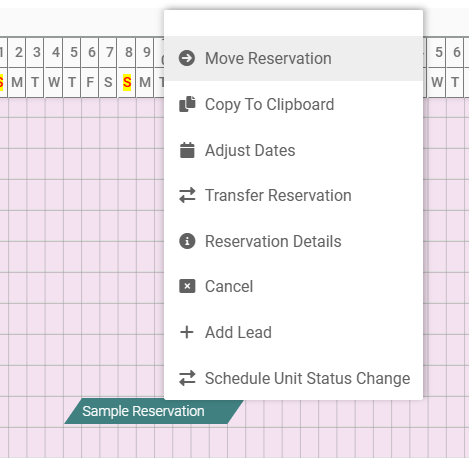
A Reservation may be moved if its status is less than checked in. Moving a reservation will create a Journal Entry that moves revenue from the initial Unit to the new Unit if enabled in Program Settings.
1. Single right click on the Reservation, then select Move Reservation
2. Click the Reservation – highlighted in red – and slide the Reservation to the desired unit
3. Click Yes to confirm the move, or No to undo changes
.