Adjust Dates
A Reservation’s dates may be adjusted at any point in the stay.
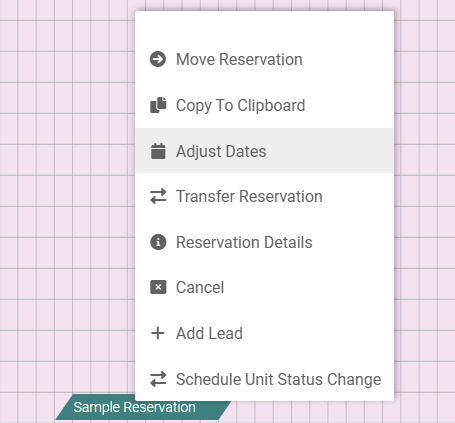
1. Single right click on the Reservation, then select Adjust Dates
2. Click the Reservation – highlighted in red – and adjust the Arrival or Departure dates
3. Select Save (in the left hand menu) to apply the changes, or close out of the Reservation to undo changes