
New
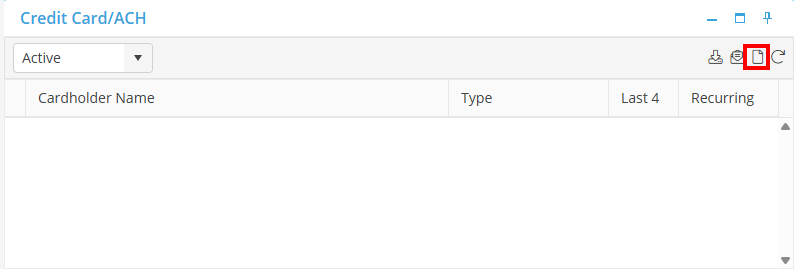
From the Credit Card/ACH Card, select the 'New' icon.
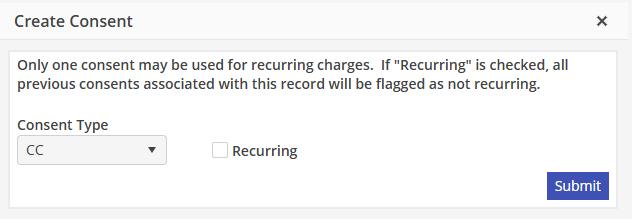
The Create Consent window will populate. Select the Consent Type, and the Recurring checkbox if needed. Click 'Submit' when done.
The EasyPay window will open, where you will enter in the CC or the ACH info. Once the information has been entered, click 'Create ACH Consent' or 'Submit' for a CC. The Credit Card/ACH Card will now show the information that was entered.