CC - Client Entry
The Client will receive a link via email.
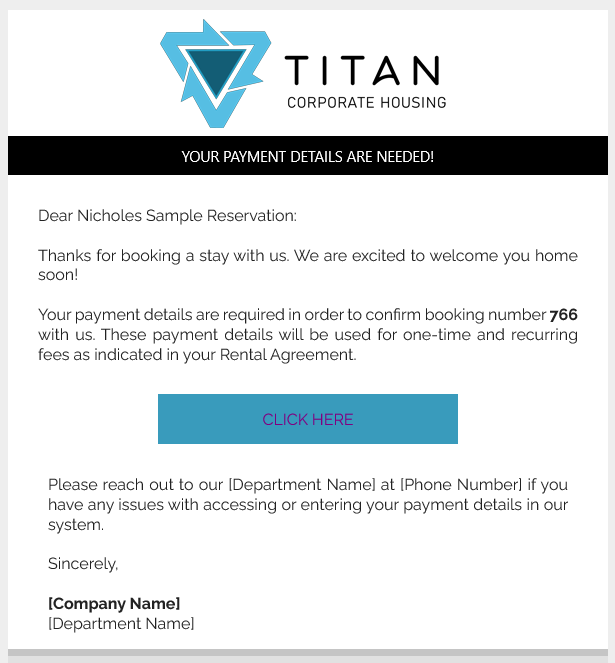
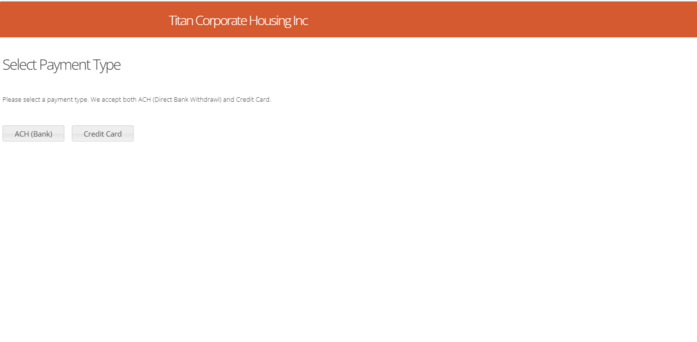
After selecting 'CLICK HERE' from their email, the EasyPay window will pop up for them. They will choose between and ACH or Credit Card Payment Type.
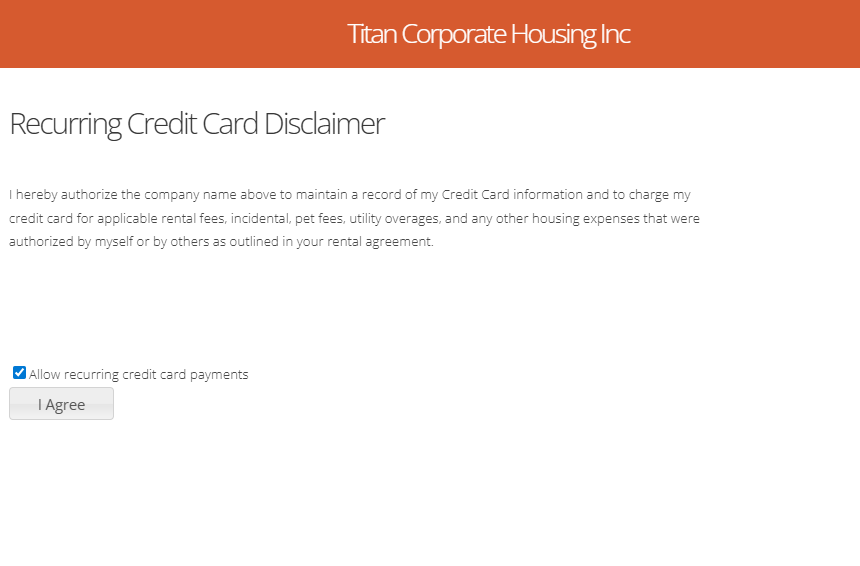
After their selection, they will need to agree.
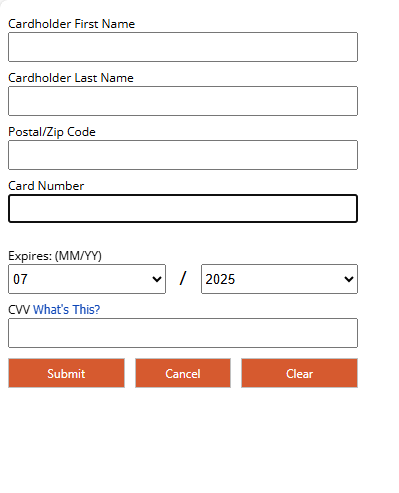
Then enter their Payment information.
Once they have clicked to create the consent, they will get a verification displayed on the screen as well as a copy emailed to them.