
Send Consent
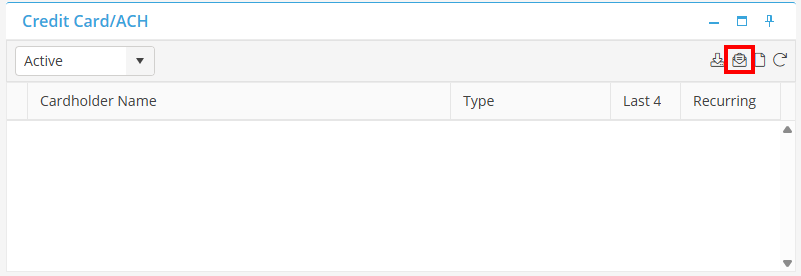
From the Credit Card/ACH Card, select the Send Consent Icon.
The Tenant Email window will populate. Choose the Consent Type from the dropdown (Both, ACH, or CC). Then, add in the CC Email, and the BCC if necessary. Once the information is added, you have the option to update the Tenant Email to the email address entered, or leave as is and send. Make your selection, and the email will be sent to the Client.