
Posting Details
Financial Period : Defaults to current Period/Month. To avoid posting to the Prepaid account, change the Period to match the payable expense Period.
Posting Date : Defaults to Windows system date.
Queued ACH Payments : The number here will indicate when there are ACH transactions that have been posted, but the ACH file has not been generated. To review these ACH postings, click on “View Queued Payments”.

Account : The Account list contains only those banks that are identified as ACH accounts by Software Answers. They must contain the custom export file, and have the same currency that is selected on the screen.
Post : Clicking Post will post all payments that have been selected to the general ledger.
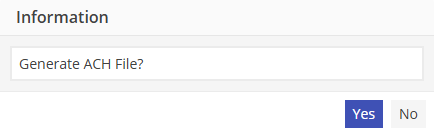
Upon posting completion, a “Generate ACH file?” message will appear. Select “Yes” to generate the ACH file, or “No” to leave the ACH transaction(s) in the queue and generate the ACH file at a later time.
Please see “Generate ACH file” for additional posting information.