Posting Owner Rents
After determining the amount of Owner Rents owed, the Accounts Payable Batch Posting process will be used to post the Owner Rents.
Period - Select the correct Financial Period
Market - Filter for the Owner Market(s)
Service - Service Type Owner
Retrieve.
The amounts returned in the grid are the standard monthly amounts, minus the management fees that were entered at the creation of the unit. These amounts match the Rent Builder amounts that were also added at the creation of the Unit.
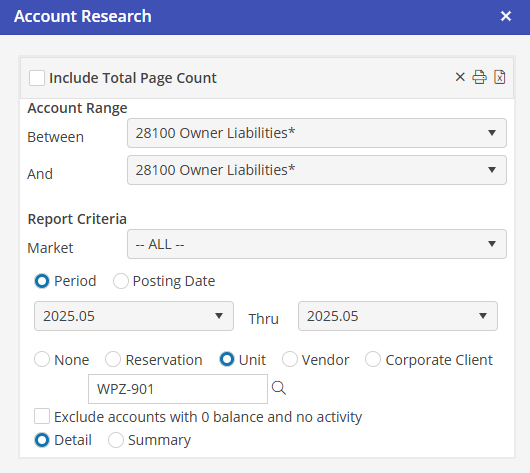
If the rent amount from the previous step, “Owner Rents Report” was different, an adjustment was made to the Owner’s Liability account in the form of a Journal Entry or a Payable for a Fee or an expense paid on the Owner’s behalf. Post the amount on the Owner Rents Report to the Owner.
Posting the Owner Payable will clear out the Owner Liability account.
Select and post the remaining Owner Rents from the Owner Rents Report.