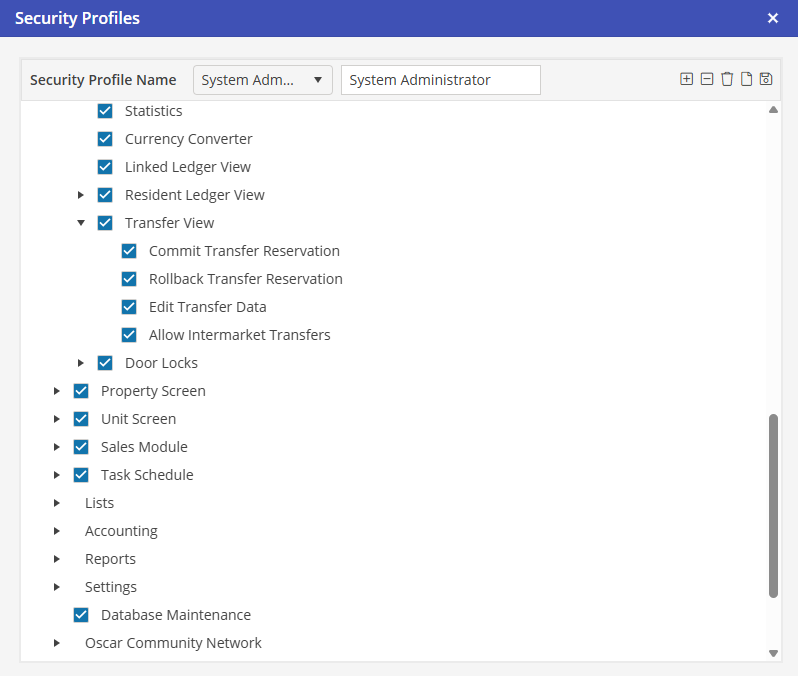
Security
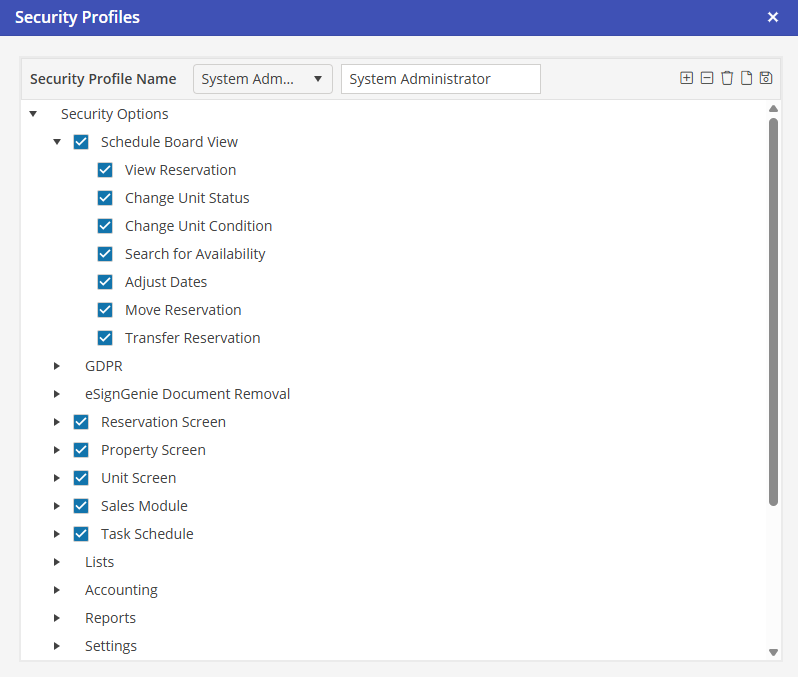
To schedule a transfer for a Reservation on the Schedule Board, the User must be granted access to Settings > Security Profiles > Schedule Board View > Transfer Reservation.
To Commit, Rollback or Edit Transfer Data, the User must be granted access to Settings > Security Profiles > Reservation Screen > Transfer View > Commit Transfer Reservation, Rollback Transfer Reservation and Edit Transfer Data. To schedule a transfer for a Reservation in a in a different market than the originating market, the User must also be granted access to Allow Intermarket Transfers.