Unit Direct Costs (UDC)
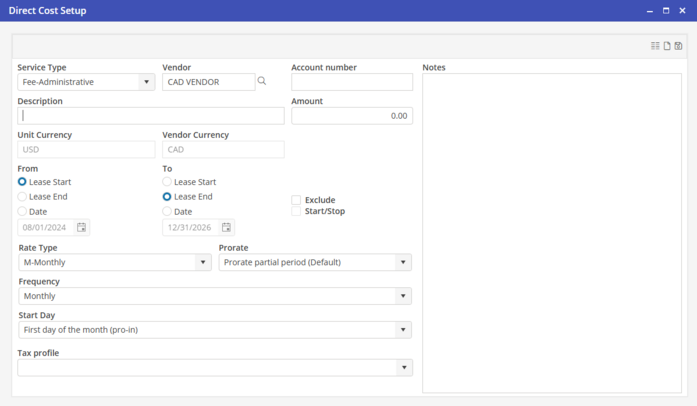
Select a Vendor that matches the currency of the Unit by using the Vendor Currency Filter. After selecting the Vendor on the Direct Cost Setup, the Currency will be listed under the Amount.
Regardless of the currency selected on the Vendor record, Batch A/P Postings will be retrieved to post based on the Currency selected on the Unit.
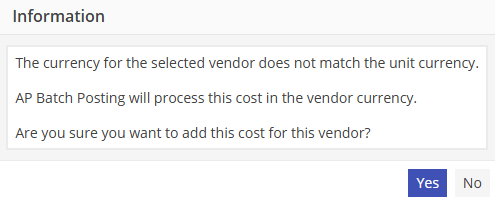
The system current exchange rate is used to calculate the amount posted to the G/L in the base currency at the time of posting. If a Vendor is selected on the Unit Direct Cost that does not match the Unit Currency, the User will be alerted upon editing the Unit.