
Use a Template
To use the Task Template, create a Lead. Upon booking the Lead to the Schedule Board as a Reservation, the following prompt will be displayed with the Task Templates available for the Market the Lead is being booked into.
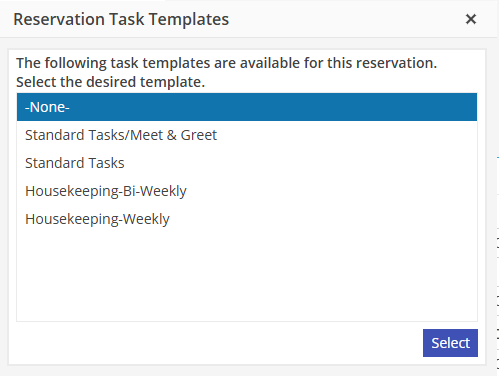
The Task Template option is only available on the FIRST booking of the Reservation. If Cancelling a Reservation, please be aware that the Task Template option will not be available when re-booking. The Tasks must not be deleted at the cancellation process if the Reservation will be booked again.